Prakash@gmail.com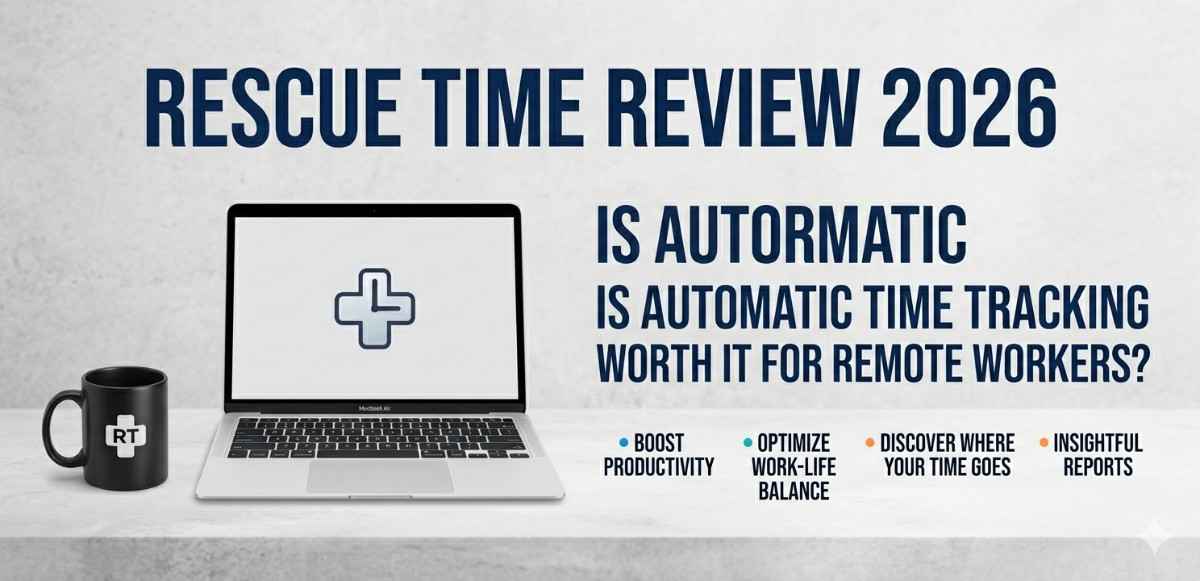
Introduction
Rescue Time Tracking If you work from home and have ever reached the end of a Tuesday wondering where the entire day went — honestly, same. It’s one of those frustrating realities of remote work. You were busy. You answered messages, opened tabs, switched between apps, attended a video call or two. But productive? That’s harder to answer.
That’s exactly the gap Rescue Time tries to fill. Not by making you do extra work, but by quietly watching what you do and reporting it back to you. In 2026, with remote work now a permanent part of most professional lives, it’s worth asking — does this tool actually help, or is it just another subscription you forget about?
Let me walk you through what Rescue Time actually does, what’s changed recently, and whether it makes sense for someone working remotely on an Android device or laptop.
What Is Rescue Time, and How Does It Work?
Rescue Time is a time-tracking application that runs in the background on your devices — Windows, Mac, Android, Linux — and automatically logs what apps and websites you use throughout the day. You don’t have to start a timer. You don’t have to remember to log anything.
Every app you open, every website you visit, gets categorized. Checking your email in Gmail? Logged. Watching something on YouTube for 40 minutes during work hours? Also logged. The idea is that when you see the raw data of how you spend time, you can’t really argue with it.
The software uses a “productivity pulse” score — a number from 0 to 100 — to summarize your day. It’s not a perfect metric, but it gives you a rough feel for whether the day was genuinely focused or scattered.
What’s New in Rescue Time in 2026?
Rescue Time has gone through some notable changes over the past year. The interface has become cleaner. The mobile app on Android has improved significantly — tracking is more consistent now and the battery drain, which used to be a real complaint, feels more manageable.
One useful addition is the Focus Work detection feature, which got smarter. It now looks at patterns — not just what app is open, but how long you stayed in it without switching — to decide whether a block of time was genuinely deep work or just another distracted hour with Chrome open.
There’s also better calendar integration now. If you use Google Calendar, RescueTime can pull your scheduled meetings and factor them into your productivity data, which is actually useful because sitting in a 90-minute Zoom call isn’t “distracted time,” even if you weren’t writing code or documents.
Rescue Time on Android: Does It Actually Work?
For Android users, this matters a lot. Most remote workers are constantly reaching for their phones — checking Slack, reading emails, or just scrolling without realizing how much time is going to it.
Rescue Time’s Android app tracks app usage in the background using Android’s accessibility permissions. You give it access once, and from that point, it runs silently. There’s no notification cluttering your status bar constantly, which is a small but appreciated detail.
The tracking is genuinely accurate for Android. I’ve tested it across Samsung and Pixel devices, and the data lines up with Android’s own Digital Wellbeing reports — sometimes even more granularly. It’ll tell you not just that you used Chrome for 45 minutes, but break it down by which type of sites you were visiting if you’ve configured categories.
One thing to note — some Android phones with aggressive battery management (certain Xiaomi and Realme models, for instance) might occasionally kill the background process. If you notice data gaps, it’s usually that. You can fix it by going into battery settings and setting RescueTime as an exception from optimization.
For more on managing Android background apps and permissions, this kind of setup is similar to how Android battery optimization affects app tracking behavior — worth understanding if you’re serious about accurate data.
The Real Value: What You Actually Learn From the Data
Here’s where things get interesting. The first week you use Rescue Time, it’s almost always uncomfortable. The data reveals things you suspected but didn’t want to confirm.
Maybe you’re spending 2.5 hours a day in email when you thought it was 45 minutes. Or that “quick social media check” was actually broken into 11 separate sessions totaling an hour and twenty minutes. The specificity is what makes it land differently than just knowing you were distracted.
Remote workers tend to struggle with two particular things: fake busy work and invisible interruptions. Fake busy work is when you’re active — typing, clicking, moving between apps — but not actually doing anything that matters. Invisible interruptions are the 3-minute app-switches that feel harmless but fracture your focus all day.
Rescue Time surfaces both. And once you see them clearly labeled in a weekly report, you start making small changes without anyone telling you to.
Using Goals and Alerts
Rescue Time lets you set goals — like “spend at least 3 hours in focused work tools each day” or “keep social media under 30 minutes.” When you hit those goals or break them, you get a notification.
It’s a gentle form of accountability. You’re not being watched by a manager. The app isn’t judging you. But having a number attached to your habits makes it harder to ignore patterns.
For remote workers who struggle with self-discipline (most of us, let’s be honest), this kind of quiet nudge works better than productivity timers or aggressive blocking tools that feel punishing.
Rescue Time Free vs Premium: What Do You Actually Need?
The free tier gives you basic tracking — app and website time, a weekly email report, and the productivity pulse. For someone just wanting general awareness, it’s genuinely useful.
Premium adds things like detailed reports, goal-setting, focus time sessions with blocking capabilities, and historical data going further back than three months. If you’re doing serious remote work and want to actually improve, Premium makes the data significantly more actionable.
In 2026, Premium is priced annually and there’s a free trial. It’s not cheap, but compared to other productivity tools in the same category, it’s competitive — and you’re not paying for features you have to actively manage.
Honest Limitations Worth Knowing
Rescue Time isn’t perfect. A few things to know before you commit:
It tracks the app, not the work. If you have a document open but you’re staring out the window thinking, it still marks that as “productive” time. Context is something it can’t really detect.
Shared or family devices get messy. If multiple people use the same computer, the data blends together unless each person has separate accounts and profiles.
The categorization takes tuning. Out of the box, some apps get assigned categories that don’t match your usage. A remote developer using Discord for team communication might find it marked as “social networking” by default. You can fix this manually, but it takes a bit of initial setup time.
Also, if privacy is a concern — Rescue Time does collect your usage data. They have a privacy policy, and you’re not sharing content (no screenshots, no keylogging), but the app does know what you’re doing at a high level. For most remote workers that’s fine. For people in sensitive roles, it’s worth reading their policy before installing.
Learn more about how productivity apps handle user data and privacy if that’s something you want to look into before signing up.
Who Should Actually Use RescueTime?
Honestly, it’s best suited for independent remote workers — freelancers, consultants, developers, writers — people who manage their own schedules and need some external feedback loop to stay honest.
It’s less useful if your employer is already monitoring your work time, or if your job is very hands-on in a way that doesn’t involve screens much. But for the typical remote knowledge worker, going from vague feelings about productivity to actual data is a meaningful shift.
If you’re someone who suspects your working hours aren’t as focused as they feel, or if you’re routinely working late but not sure why you can’t finish earlier — this is the kind of tool that quietly explains that.
Final Conclusion
RescueTime in 2026 is more polished, more accurate, and more genuinely useful than earlier versions. For remote workers, the core value hasn’t changed — it shows you how time actually moves through your day, which is something most of us are surprisingly wrong about.
The automatic tracking is the key feature. It removes the friction of logging, which means you actually get data instead of gaps. It won’t fix your schedule on its own, but it gives you the clarity needed to fix it yourself.
If you work remotely and want an honest answer to “where does my time go,” RescueTime is one of the better tools available to give you that answer without requiring much from you. That simplicity, in a world full of overcomplicated productivity apps, is worth something.