Prakash@gmail.com
Best Task Manager Managing tasks sounds simple on paper. You write stuff down, you finish it, done. But if you’ve ever missed a deadline, forgotten a follow-up, or watched a team project slowly fall apart because nobody knew who was doing what — you know it’s not that simple.
I’ve spent the last few months testing task manager apps across different work setups: solo freelancing, small teams, and mixed hybrid workflows. What you’ll read here is based on actual use, not just feature lists pulled from app store descriptions.
Let’s get into it.
What Makes Best Task Manager Actually Good in 2026?
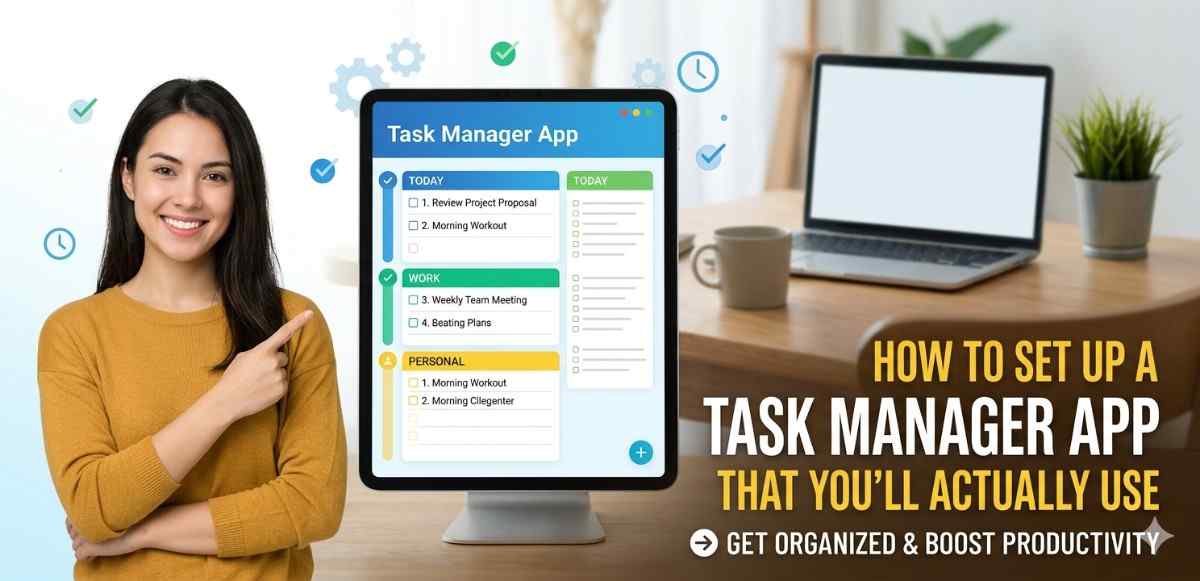
Before jumping to the list, it helps to know what to look for. A lot of apps claim to be “all-in-one productivity tools” but end up being bloated and confusing.
The real markers of a solid task manager are: clean task input (you shouldn’t need 10 clicks to add a task), reliable reminders, good mobile experience, and collaboration features that don’t get in the way of solo work.
Speed matters too. If an app takes three seconds to load every time you open it on your Android phone, you’ll stop using it within a week. Trust me on that one.
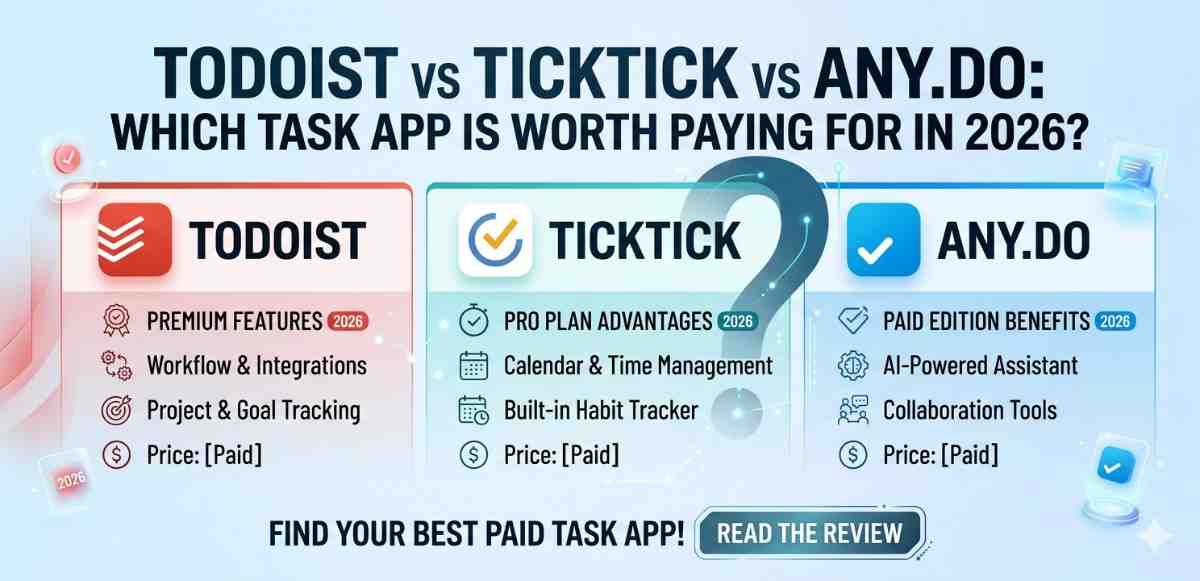
1. Todoist — Still the Gold Standard for Solo Workers
Todoist has been around for years, but the 2025–2026 version feels noticeably tighter. The natural language input is genuinely impressive — you can type “submit report every Friday at 9am” and it just understands.
Best Task Manager Why It Works for Individuals
The productivity dashboard shows you streaks, completed tasks, and productivity scores. It sounds gimmicky, but it actually pushes you to stay consistent. Sections and labels keep projects clean without overcomplicating things.
On Android, the widget is one of the best I’ve used — glanceable, tappable, and doesn’t drain battery.
Team Use?
Todoist handles small teams decently. Task comments, shared projects, and assignment features are all there. But for larger teams needing heavy collaboration, it starts to feel a bit light. It’s better suited for freelancers or people managing their own projects alongside occasional team tasks.
2. Best Task Manager TickTick — The Balanced Pick Most People Overlook
TickTick doesn’t get nearly enough credit. It combines task management with a built-in calendar, a Pomodoro timer, and habit tracking — all in one app that doesn’t feel overwhelming.
What Sets It Apart
The calendar view is genuinely useful. You can drag tasks directly onto dates, see your schedule and tasks together, and plan your week without switching between apps. For anyone who lives by their calendar, this is a big deal.
The free plan is also more generous than most competitors. You get a solid experience without paying anything.
Best Task Manager Android Experience
On Android phones, TickTick feels native. The gestures are smooth, notifications arrive on time, and the dark mode actually looks good. If you’re on a mid-range Android device and want something lightweight but capable, TickTick is worth trying first.
3. Notion — Powerful, But Only If You Set It Up Right
Notion is not really a task manager in the traditional sense. It’s more of a workspace. But with the right templates and database setup, it can function as an incredibly powerful task management system.
Best Task Manager Best For Teams Who Document Everything
If your team already uses Notion for wikis, notes, and project docs, adding tasks to the same space makes a lot of sense. You avoid app-switching and keep context attached to tasks.
The problem is the learning curve. A new user dropped into a blank Notion workspace will have no idea what to do. You need to invest time upfront to build your system, or find a good template.
For a deeper look at how teams structure their digital workspaces, understanding Android productivity apps and how they sync across devices is a good starting point if you’re on mobile.
Best Task Manager Not Great for Quick Capture
If you’re the kind of person who needs to fire off a task in 10 seconds, Notion will frustrate you. It’s built for depth, not speed.
4. Microsoft To Do — Surprisingly Good for Everyday Use
Microsoft To Do might seem like an afterthought, but it’s genuinely polished now. The “My Day” feature encourages you to pick a focused list of tasks each morning, which is a simple habit that actually helps.
Free and Deep Integration
If you use Microsoft 365 — Outlook, Teams, OneNote — To Do pulls tasks from emails and meetings automatically. That kind of integration saves real time.
For students and office workers already inside the Microsoft ecosystem, this is probably the lowest-effort switch to better task management.
Limitations
It lacks the depth of Todoist or TickTick for complex project management. Sub-tasks exist, but nesting is limited. For simple personal task tracking, though, it’s hard to beat — especially since it’s completely free.
5. Asana — Built for Teams, Not Solo Workers
Asana is a proper project management tool with task management at its core. It’s designed for teams, and it shows in every feature.
Where Asana Shines
Timeline views, workload management, task dependencies — Asana handles all of this better than most tools. If you’re managing a project with multiple people, deadlines, and deliverables, Asana gives you visibility that simpler apps can’t.
The Android app has improved a lot. Notifications are reliable, and you can manage tasks on the go without needing to open a browser.
Too Much for One Person
Using Asana alone is like renting a 10-seat conference room for a solo meeting. It works, but it’s overkill. The free plan also limits features that matter for teams, pushing you toward paid tiers quickly.
For teams of 3 or more working on structured projects, Asana is one of the best options available right now.
6. Trello — Visual Task Management That Teams Actually Enjoy
Trello uses a board-and-card system (called Kanban) that’s visually intuitive. You create columns like “To Do,” “In Progress,” and “Done,” then drag cards across as work moves forward.
Why Teams Like It
It’s visual, it’s easy to explain to someone new, and the drag-and-drop interface is satisfying to use. Team members can see the status of everything at a glance without attending a status meeting.
When It Falls Short
Trello doesn’t handle complex task dependencies or timelines very well. If your project has tasks that depend on each other in a specific order, Trello can get messy fast. It’s best for workflows that are relatively straightforward.
The Android app is solid but can feel slow on older phones when boards get large.
7. Things 3 — The Best Solo Task Manager (If You’re on Apple)
Technically, Things 3 is iOS and macOS only — but I’m including it because Android users frequently ask about cross-platform alternatives, and comparing it helps understand what to look for.
Things 3 is beautifully designed, fast, and opinionated in the best way. It pushes you toward a structured workflow without being bossy about it.
What Android Users Can Learn From It
The reason Things 3 is so loved is its clarity. Tasks have areas, projects, and deadlines — nothing more, nothing less. If you’re on Android, TickTick comes closest to this kind of focused simplicity.
For Android users looking for a comparable experience, exploring task manager apps optimized for Android’s notification system is a practical place to start.
How to Choose Between These Apps
Here’s a quick way to think about it:
You’re a solo worker or freelancer → Start with Todoist or TickTick. Both handle personal task management exceptionally well without unnecessary complexity.
You work in a small team → Try Trello for visual simplicity, or Asana if you need structured project tracking.
Your team already uses Microsoft or Google tools → Microsoft To Do or Notion integrations will save you the most setup time.
You want an all-in-one workspace → Notion, but plan to spend a day setting it up properly.
There’s no single right answer here. The best task manager is the one you’ll actually open and use every day.
A Note on Android-Specific Performance
Since most of the testing was done on Android phones (a Pixel 8 and a mid-range Samsung), a few things stood out. Notification reliability varies a lot between apps. Todoist and TickTick were consistently on time. Notion notifications, on the other hand, sometimes arrived late — possibly due to battery optimization settings.
If you’re on Android and want reminders to actually work, go into your phone’s battery settings and whitelist your task manager app. It’s a small step that makes a noticeable difference.
For anyone exploring how Android handles background app behavior and notifications, understanding Android’s battery optimization settings can help you get more reliable performance from any productivity app.
Final Conclusion
Task management isn’t about finding the most feature-packed app — it’s about finding the one that fits how you actually work. After testing all seven of these apps across different scenarios, the clearest takeaway is this: solo workers generally need speed and simplicity, while teams need visibility and shared accountability.
Todoist and TickTick remain the top choices for individuals in 2026. Asana and Trello hold their ground for teams. And Notion sits somewhere in the middle — infinitely flexible but requiring real investment to set up well.
Pick one, use it seriously for two weeks, and resist the urge to switch. Consistency with a decent app beats constantly switching to the “perfect” one.