Prakash@gmail.com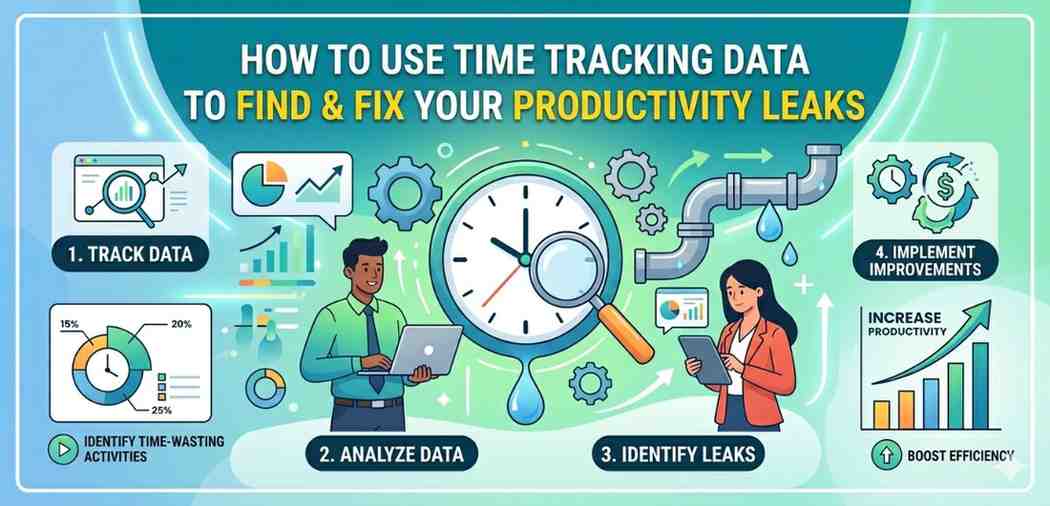
Introduction
You think you spent two hours on that report. Turns out it was 45 minutes of actual work and about 90 minutes of switching between tabs, checking notifications, and staring blankly at your screen. This is what a productivity leak looks like. And the only real way to find these leaks is to look at your time tracking data with honest eyes.
This article is going to walk you through how to do exactly that — from collecting the data to understanding what it’s telling you, and then actually fixing things.
Time Tracking Data What “Productivity Leaks” Really Means
A productivity leak isn’t just wasted time. It’s time that feels productive but isn’t producing anything meaningful. Reading the same email thread three times. Attending a meeting that could’ve been a message. Reorganizing your to-do list instead of working on it.
These small drains are hard to spot without data because our brains naturally justify them. “I was still thinking about the project.” Sure. But the output wasn’t there.
Time tracking data removes the self-deception. It shows you patterns you didn’t realize existed.
Step 1 — Start Tracking Without Judging Yourself
Before you can analyze anything, you need raw, honest data. That means tracking your time as it actually happens — not as you wish it happened.
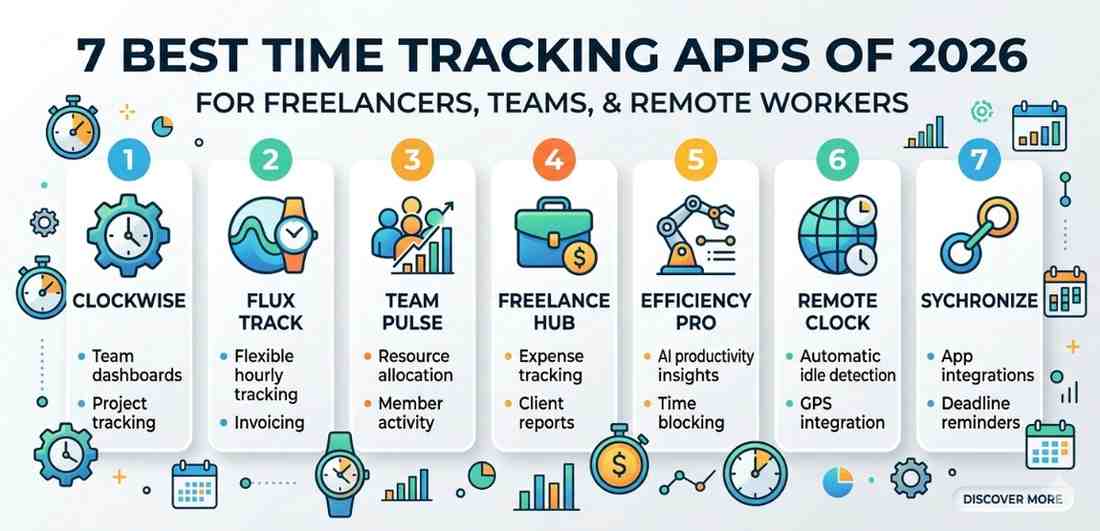
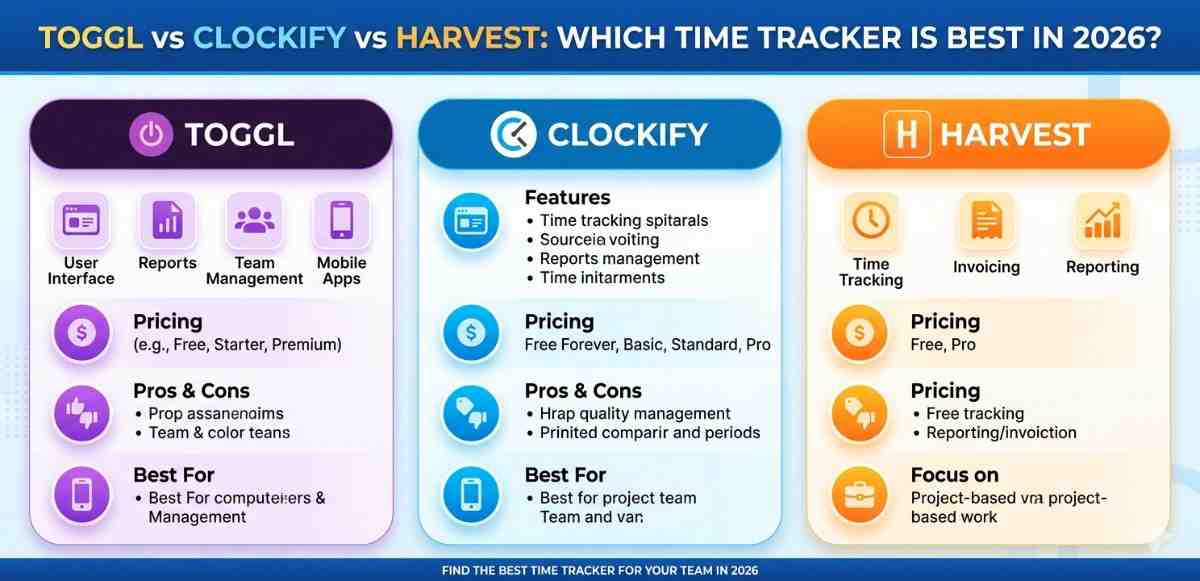
Use a simple time tracking tool. It could be Toggl, Clockify, or even a plain spreadsheet with start and stop times. On Android, apps like Toggl Track or Clockify work well because you can tap to start a timer right from your phone and log tasks on the go.
The key rule for the first week: don’t change your behavior. Don’t try to be more productive yet. Just track everything — work tasks, breaks, scrolling, meetings, everything. You need a real baseline.
A lot of people start tracking and immediately try to “perform” for their data. That defeats the purpose. Honest tracking is the foundation.
Step 2 — Categorize Your Time Into Useful Buckets
Raw time logs are hard to read without categories. After a week of tracking, go through your entries and group them into a few meaningful buckets.
Common categories to use:
- Deep work — focused tasks that actually move things forward
- Shallow work — emails, messages, quick admin tasks
- Meetings and calls — scheduled or impromptu
- Interruptions — unplanned stops that broke your flow
- Personal/non-work — breaks, social media, personal errands done during work hours
Once categorized, the picture becomes clearer. Most people are surprised to see how little time actually goes into deep work. Often it’s less than two or three hours in a full workday — even when the day felt busy.
Step 3 — Look for the Patterns, Not Just the Totals
Here’s where a lot of people stop too early. They see “I spent 4 hours in meetings this week” and think, okay, meetings are the problem. But the more useful question is: when are those meetings happening, and what do they interrupt?
Pull up your data and look at it by time of day. Are your best focused hours getting cut up by check-in calls? Are you doing shallow tasks first thing in the morning when your brain is actually at its sharpest?
Also look at task-switching frequency. If you see entries like: email (8 min) → project work (12 min) → Slack (6 min) → project work (9 min), that’s a leak pattern. The project work isn’t getting the sustained attention it needs, and you’re losing mental energy every time you switch.
What the data is actually showing you
Time tracking entries tell a kind of story. Learn to read between the lines. A lot of short, scattered entries in the middle of the day usually means your environment is fragmenting your attention. Long stretches of “admin” early in the morning might mean you’re avoiding harder work. Late-day bursts of real productivity could mean you’re a natural evening worker being forced into a morning schedule.
Step 4 — Identify Your Top Three Leaks
Don’t try to fix everything at once. That’s a recipe for burnout and giving up.
After looking at your patterns, pick the three biggest leaks — the ones costing you the most time or the most quality focus. Write them down specifically. Not “I waste time on my phone” but “I check Instagram for about 20–25 minutes after lunch every day, right when I should be wrapping up my main project.”
Specific problems have specific solutions. Vague ones don’t.
Common leaks people find in their data:
- Meetings with no clear agenda or outcome
- Context-switching between too many tools or apps
- Responding to messages in real time instead of in batches
- Starting tasks without enough preparation, leading to restarts
- Overcomplicated to-do systems that take time to manage
Step 5 — Fix the Leaks With Small, Targeted Changes
Now that you know what’s leaking, you can patch it. The fixes don’t have to be dramatic — they just have to match the actual problem.
For meeting overload:
Block out two to three “no meeting” windows per week on your calendar. Even one protected morning a week can dramatically increase your deep work output. You can also try keeping a meeting log — just a quick note after each call: was this necessary? Could it have been shorter? Over time, this builds an instinct for protecting your time.
For context-switching:
Group similar tasks together into time blocks. Batch all your email responses into two fixed windows — say, 9am and 4pm — instead of checking constantly. On your Android phone, you can use Digital Wellbeing or app timers to limit access to distraction apps during focus blocks. It sounds small, but the friction of hitting a limit makes you more mindful.
For avoidance and procrastination:
If your data shows you’re doing low-value tasks when important ones are on your list, that’s usually an avoidance signal. The fix isn’t discipline — it’s reducing the activation energy. Break the avoided task into a smaller starting step. “Write the full report” is daunting. “Write just the introduction paragraph” is not.
Step 6 — Re-Track After Changes and Compare
Here’s the part most people skip — and it’s actually the most satisfying part.
After two to three weeks of making adjustments, do another week of honest Time Tracking Data. Then compare the two datasets side by side.
Look for: did deep work hours go up? Did interruption frequency drop? Are the patterns you identified in week one less visible now?
This comparison gives you real feedback on whether your changes are working. It also keeps you from drifting back into old habits, because you’ve made the abstract feel concrete.
Productivity improvement without measurement is just guesswork. The Time Tracking Data closes the loop.
How This Applies to Android and Mobile Work Habits
If you do significant work from your phone — which a lot of people do now — your Android device is both a productivity tool and a source of leaks.
Your screen time data (accessible via Settings → Digital Wellbeing on most Android phones) is a form of time tracking data too. Check which apps you open most frequently, not just total time. Frequent short opens — like checking WhatsApp 40 times a day — are leak indicators even if the total time looks small.
You can cross-reference this with your work time tracker to see if notification spikes correlate with your fragmented work sessions. Often they do.
Setting app timers, using Focus Mode during deep work blocks, and turning off non-essential notifications are targeted fixes that come directly from reading this data.
Final Conclusion
Productivity leaks are almost invisible until you start measuring. Time Tracking Data isn’t about surveillance or stress — it’s about finally seeing an honest picture of how your hours are actually spent.
The process is straightforward: track honestly, categorize clearly, look for patterns, identify the biggest leaks, apply targeted fixes, and measure again. Each cycle gives you better information and better habits.
You don’t need to be perfect. You just need to be a little more aware each week than you were the last. Over time, that awareness compounds into something real.