Prakash@gmail.com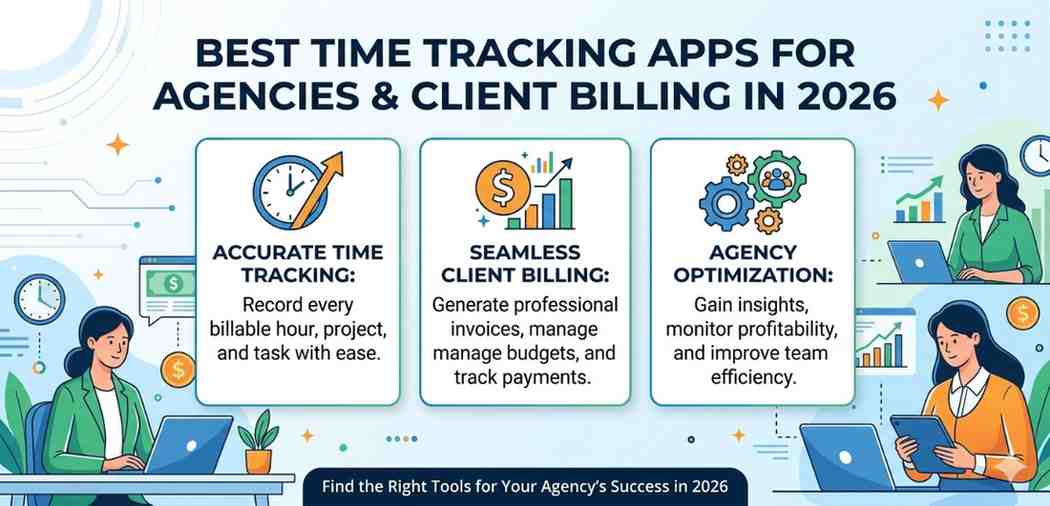
Introduction
Running an agency — whether it’s a design studio, a marketing firm, or a small development shop — comes with one frustrating reality: time slips away fast, and half of it never gets billed properly.
You finish a client project, sit down to send the invoice, and then try to remember how many hours you spent on that revision round three weeks ago. Sound familiar? It’s one of those things nobody really talks about, but almost every agency owner has been burned by it at least once.
In 2026, there are genuinely good solutions for this. The time tracking software space has matured a lot, and a few tools have emerged that actually fit how agencies work — not how a solo freelancer works, not how a corporate HR department works, but actual client-based project billing with teams involved.
Let’s walk through what matters and which apps are worth your attention.
Why Most Agencies Still Get Time Tracking Wrong
Before jumping into specific tools, it’s worth understanding the core problem. Most agencies use either a spreadsheet (too slow), a generic project management tool (not built for billing), or nothing at all (dangerous for revenue).
The issue isn’t laziness — it’s that time tracking tools built for individuals don’t scale well to team environments where multiple people are logging hours across different clients, projects, and task types simultaneously.
When you add client billing to the mix, you need features like billing rates per team member, budget caps per project, invoice generation tied to logged hours, and approval workflows. That’s a very specific set of requirements.
What to Look for in an Agency Time Tracker
Not every tool that calls itself a “time tracker” is built for agencies. Here’s what actually matters:
Client and Project Structure
You need to be able to organize work by client first, then by project, then by task. This sounds obvious, but plenty of tools organize by project only, which gets messy when you have ten clients with multiple projects each.
Look for tools that let you set billing rates at the client level, the project level, and even the individual team member level — because a senior designer’s hourly rate might differ from a junior developer’s on the same project.
Team Collaboration and Approvals
Agencies have multiple people logging time. A good tool lets managers review and approve timesheets before invoices go out. This prevents billing errors, which can genuinely damage client relationships.
Invoice Generation
Some tools integrate with accounting software like QuickBooks or FreshBooks. Others have native invoicing. Either way, the path from “tracked hours” to “sent invoice” should not require manually copying numbers into another spreadsheet.
The Best Time Tracking Apps for Agencies in 2026
1. Harvest
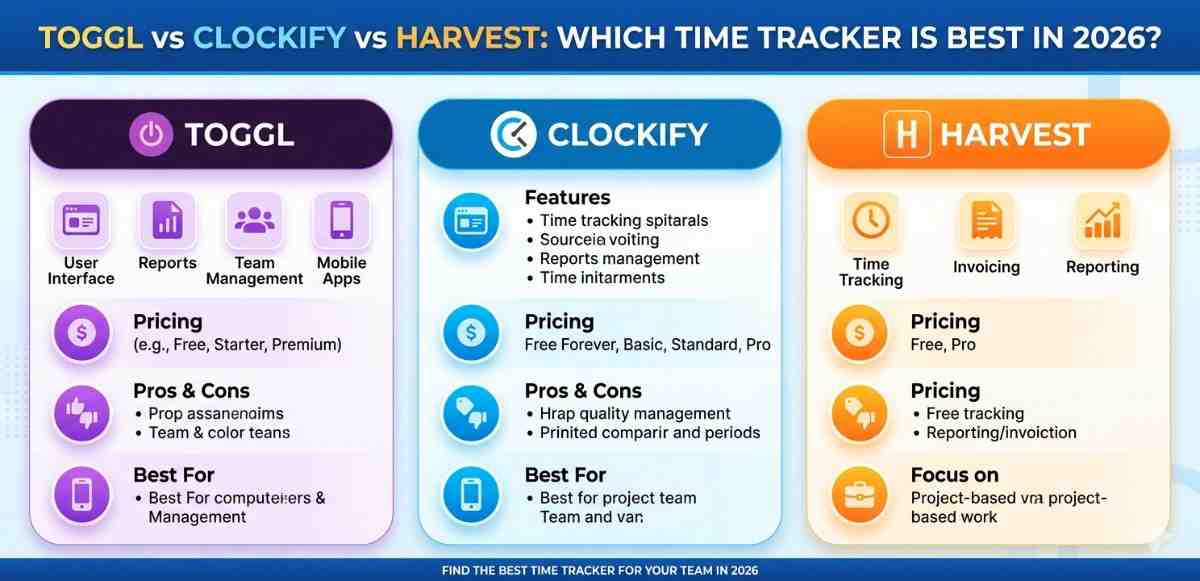
Harvest has been around for a while and still holds up well in 2026. It’s specifically designed for agencies and client billing, which shows in how the interface is organized.
You can set hourly rates per person and per project, track expenses alongside time, and generate invoices directly from logged hours. The reporting is genuinely useful — you can see which clients are most profitable, where your team is spending time, and whether projects are heading over budget.
It integrates with a wide range of tools including Slack, Asana, Trello, and accounting platforms. For most mid-size agencies, Harvest hits the right balance of power and simplicity.
One thing to note: it’s not the cheapest option, especially as your team grows. But the billing accuracy it enables often pays for itself within the first month.
2. Toggl Track
Toggl Track is probably the most widely used time tracker among freelancers, but its team features have improved significantly and it now works well for small to mid-size agencies.
The timer is genuinely fast to use — one click to start, one click to stop, and you can tag the entry with client, project, and task afterward. The mobile app works well too, which matters when your team is working from different locations.
For agencies, the key features are team dashboards, billable vs. non-billable time reports, and project budget tracking. The reporting exports cleanly for client billing purposes.
Toggl doesn’t have native invoicing, but it connects well with tools like Xero and QuickBooks if you’re already using those.
If you’re looking to understand how project time tracking integrates with team workflow tools, Toggl’s own documentation does a decent job explaining this.
3. Clockify
If budget is a real constraint, Clockify offers a surprisingly capable free tier. It handles client and project organization, team time tracking, reporting, and even basic invoicing without any payment required for the core features.
The interface is clean and not overwhelming for new users. For agencies that are just getting started with proper time tracking, Clockify is a genuinely good starting point.
The paid plans add features like budget alerts, expense tracking, and more advanced reporting — useful once your agency has grown past a certain point.
4. Productive
Productive is worth mentioning because it was built specifically for agencies. It combines project management, time tracking, resource planning, and invoicing all in one platform.
The key advantage over standalone time trackers is that you can see profitability at a glance — not just hours logged, but whether those hours are actually generating margin after costs. For agency owners who want to understand the business side more clearly, this is a meaningful difference.
It’s more expensive than the other options and has a steeper learning curve. But agencies that grow past 10–15 people often find that fragmented tools create coordination overhead that costs more than a proper all-in-one platform.
5. TimeCamp
TimeCamp sits in an interesting middle ground — it has automatic time tracking (which logs time based on which applications you’re using, rather than requiring manual start/stop), plus full client billing features.
For agencies where team members work across many tools — design software, browsers, communication apps — automatic tracking can capture time that would otherwise be lost. It’s not perfect, and you’ll want to review and clean up entries, but the baseline capture rate is much higher than pure manual tracking.
The billing and invoicing features are solid, and the pricing is reasonable for teams.
Comparing Approaches: Manual vs. Automatic Tracking
There’s a genuine debate in the agency world about whether manual or automatic time tracking produces better results.
Manual tracking is more intentional — you start a timer when you begin work and stop it when you finish. This creates cleaner data, but it requires discipline and tends to under-capture time (people forget to start the timer, or don’t log short tasks).
Automatic tracking captures more time but creates noise that needs to be cleaned up. For client billing, you want accuracy more than volume.
Many agencies find that a hybrid approach works best — automatic capture as a baseline, manual review and adjustment before billing. Tools like TimeCamp and Hubstaff support this workflow well.
Setting Up Client Billing Properly
Having a good tool is only half the equation. How you set up your billing structure inside that tool matters just as much.
Start by defining your billing rates clearly — per client, per project type, or per team member. Get this right at the beginning of each engagement, not three weeks in.
Set budget alerts so you’re notified when a project is approaching its cap. This lets you have a proactive conversation with the client instead of a reactive one after you’ve already gone over.
Build a review habit into your team’s workflow. Whether it’s a weekly timesheet review or a pre-invoice audit, catching errors before the invoice goes out saves real headaches.
If you want to understand how agency billing workflows connect to client management, Harvest’s resource library has some practical guides that aren’t just product documentation.
Integrating Time Tracking with Your Existing Tools
Most agencies already use some combination of project management tools, communication platforms, and accounting software. Your time tracker needs to fit into that ecosystem, not replace it.
Prioritize integrations with your accounting software first — that’s where billing errors are most costly. Then look at project management integrations so that tasks created in one tool can be tracked in another without duplication.
For teams using Android phones for work communication, it’s worth checking that the mobile app experience is smooth. Many of these tools have solid Android apps, but Toggl and Clockify are particularly well-regarded for mobile usability.
Final Conclusion
Time tracking for agencies isn’t just an administrative chore — it directly affects how much revenue you actually collect for work you’ve already done. In 2026, the available tools are genuinely good, and the right choice depends mostly on your team size, budget, and how much you want an all-in-one platform versus a focused tracker that connects to your existing tools.
For most small to mid-size agencies, Harvest or Toggl Track offer the best combination of usability and billing-specific features. Clockify is a strong starting point if you’re budget-conscious. Productive is worth considering if you want deeper business visibility as you scale.
The most important step is simply picking something and building consistent habits around it. The best time tracking app is the one your team will actually use.