Prakash@gmail.com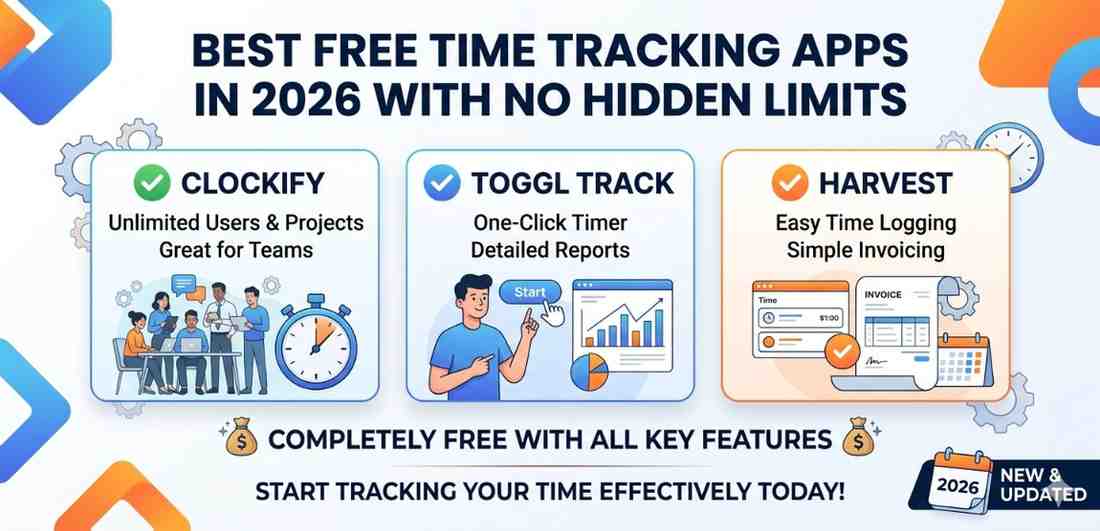
Time tracking sounds simple on the surface. You start a timer, stop it, and see how long something took. But anyone who’s actually tried to manage their hours — whether for freelance work, studying, or just personal productivity — knows how quickly it gets complicated.
Most free apps promise a lot upfront. Then after a week, you hit a wall. “Upgrade to Pro for unlimited projects.” Sound familiar? That’s exactly what this article is trying to help you avoid.
Let’s walk through the genuinely free time tracking apps that still hold up in 2026 — on Android especially — without burying useful features behind a paywall.
Why Most “Free” Time Tracking Apps Fail You Eventually
Here’s the thing — a lot of apps use the word “free” loosely. They mean free to download. What they don’t tell you is that you’re limited to 3 projects, or that reports are locked, or that syncing between your phone and laptop requires a paid plan.
For someone tracking billable hours across multiple clients, or even a student trying to understand where their study time is going, these limits hit fast.
The apps worth your time in 2026 are the ones that are transparent. Free means free — at least for the core features that actually matter.
What to Actually Look For in a Free Time Tracking App
Before listing specific apps, it helps to know what separates a genuinely useful free tool from one that just pretends to be.
No Cap on Projects or Clients
This is the first thing to check. Some apps let you track unlimited time but restrict how many projects you can create. If you’re a freelancer with four clients, you’ll hit that ceiling almost immediately.
Reporting That Doesn’t Require Upgrading
Seeing your hours broken down by day, week, or project shouldn’t cost money. Basic reports should come free. If an app hides this behind a subscription, that’s a red flag.
Works Well on Android
A lot of time trackers are desktop-first and the Android app feels like an afterthought. Buttons too small, widgets missing, no quick-start options. For anyone who tracks on the go — between meetings, on commutes, at college — the mobile experience really matters.
The Best Free Time Tracking Apps in 2026
1. Clockify — Still the Most Complete Free Option
Clockify has been around for a while, but it’s still the most honest free tier of any time tracker available right now. In 2026, it remains one of the few apps where the free version genuinely competes with paid tools from other companies.
You get unlimited projects, unlimited clients, unlimited users, and basic reporting — all without spending a rupee or dollar. The Android app has a clean interface, a running timer you can check with one tap, and the ability to log time manually if you forgot to start the timer (which happens more than you’d think).
One thing worth noting: some advanced reports and scheduling features are paid. But for straightforward time tracking, the free plan does the job completely.
If you’re just getting started with tracking your work hours, understanding how to set up projects in Clockify can save you a lot of confusion early on.
2. Toggl Track — Simple, Fast, and Surprisingly Generous
Toggl Track is probably the most comfortable app for beginners. The design is clean, the Android app is responsive, and starting a new timer is almost effortless. You just type what you’re doing and hit the play button.
The free plan supports up to 5 users — which is more than enough for solo use or a small team. You also get basic reports and project-level tracking without any paywall.
Where Toggl draws the line is on things like billable rate tracking and more detailed analytics. Those go behind a subscription. But honestly, for most people just trying to understand how they’re spending their time, the free tier is enough.
The mobile widget on Android is genuinely useful too. You can start and stop timers right from your home screen without opening the app.
3. Time Tracking Apps Harvest (Free for Solo Use)
Harvest is primarily known as an invoicing and billing tool for freelancers, but it doubles as a solid time tracker. The free plan is limited to one user and two active projects, which is restrictive — but it’s completely unlimited within that scope.
For a student tracking time on a thesis project, or a freelancer with one regular client, that’s actually workable. And the Android experience is solid. Timers sync instantly, and the interface is clean enough that using it daily doesn’t feel like a chore.
If you ever scale up and take on more clients, you’d need to upgrade. But as a starting point with no hidden catches, Harvest is worth trying.
4. TimeCamp — Good for Distraction-Free Tracking
TimeCamp introduced automatic time tracking a while back, and the concept is interesting: it detects what app or website you’re using and logs time without you doing anything manually. On desktop, this works quite well.
On Android, the automatic tracking is a bit limited compared to the desktop version, but manual tracking works smoothly. The free plan includes unlimited projects and users, which puts it ahead of many competitors.
The interface isn’t the prettiest, and new users might take a couple of days to figure out the layout. But once you’re comfortable, it’s a capable tracker with no sneaky upgrade walls for basic use.
5. Timeular (Free Tier With Manual Logging)
Timeular has a physical device that you can buy separately — a small desk cube you flip to track different activities. But the software itself has a free tier that works independently of the hardware.
The Android app allows manual time entry, project creation, and simple summaries. It’s not as feature-rich as Clockify in the free tier, but the interface is genuinely pleasant to use. If you prefer a calm, minimal experience over a feature-heavy dashboard, Timeular is worth checking out.
Time Tracking Apps A Practical Tip for Android Users
Whichever app you go with, look for one that supports Android widgets or quick-tile shortcuts. On Android, you can add shortcuts to your notification shade or home screen that let you start or stop timers instantly.
This sounds like a small thing, but when you’re rushing between tasks, having a one-tap timer is the difference between tracking consistently and forgetting to track at all.
Also, if you use a work profile on your Android device, check whether the app plays nicely with that setup. Some apps behave oddly when installed in a work profile, especially with background sync.
Time Tracking Apps What About Privacy and Data?
This is an underrated concern. Time tracking apps, by definition, collect detailed information about how you spend your day. For free apps, it’s worth quickly reading their privacy policy to understand how your data is used.
Clockify and Toggl have been fairly transparent about this. Your data isn’t sold for advertising. But it’s a good habit to check, especially if you’re logging work for a client or employer.
If privacy is a top concern, some people prefer self-hosted tools. That’s a more technical route, but options like Kimai — a free open-source tracker — let you run the whole thing on your own server.
For a broader look at how personal data is handled by productivity apps, this guide on Android app permissions is a useful starting point.
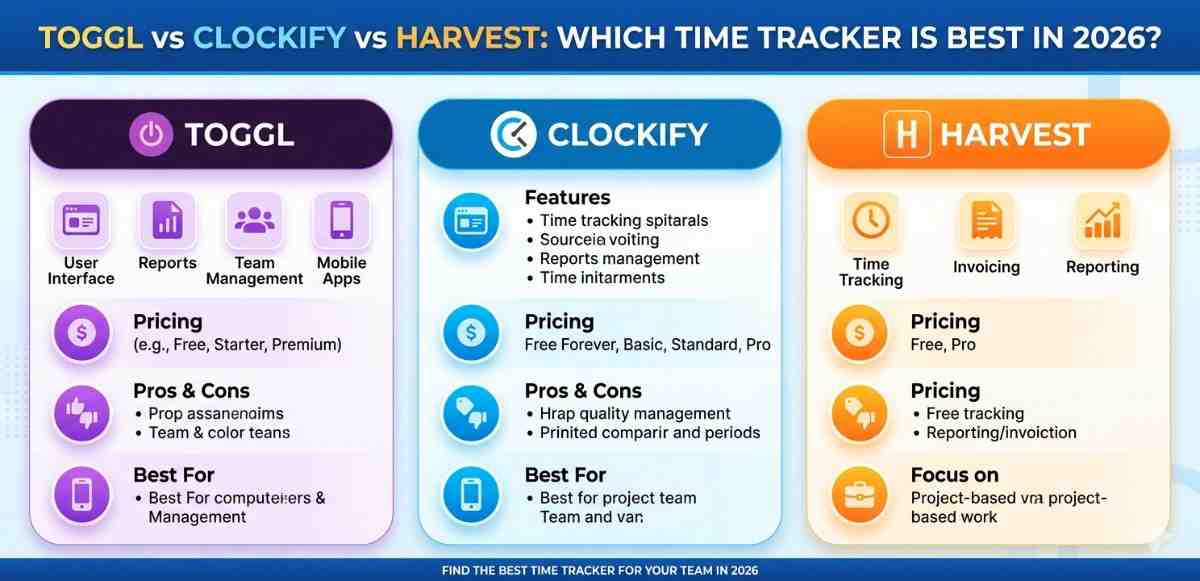
Time Tracking Apps Comparing the Apps at a Glance
| App | Unlimited Projects | Mobile Widget | Completely Free Core |
|---|---|---|---|
| Clockify | ✅ | ✅ | ✅ |
| Toggl Track | ✅ | ✅ | ✅ |
| Harvest | ❌ (2 max) | ✅ | ✅ |
| TimeCamp | ✅ | Limited | ✅ |
| Timeular | ✅ | ❌ | ✅ |
Final Conclusion
Finding a genuinely free time tracking app in 2026 — one that doesn’t quietly lock you out of useful features after a few days — takes a bit of research. But they do exist.
Clockify is the safest bet if you want depth without limits. Toggl Track wins on simplicity and mobile experience. Harvest works well if you only have one or two projects going at a time. TimeCamp suits people who want automatic tracking on desktop. And Timeular offers a calm, clean interface for those who prefer simplicity.
The key is picking one and actually using it consistently. Even the best app won’t help if you open it twice and forget it exists. Start small — track one type of task for a week — and build from there.