Prakash@gmail.com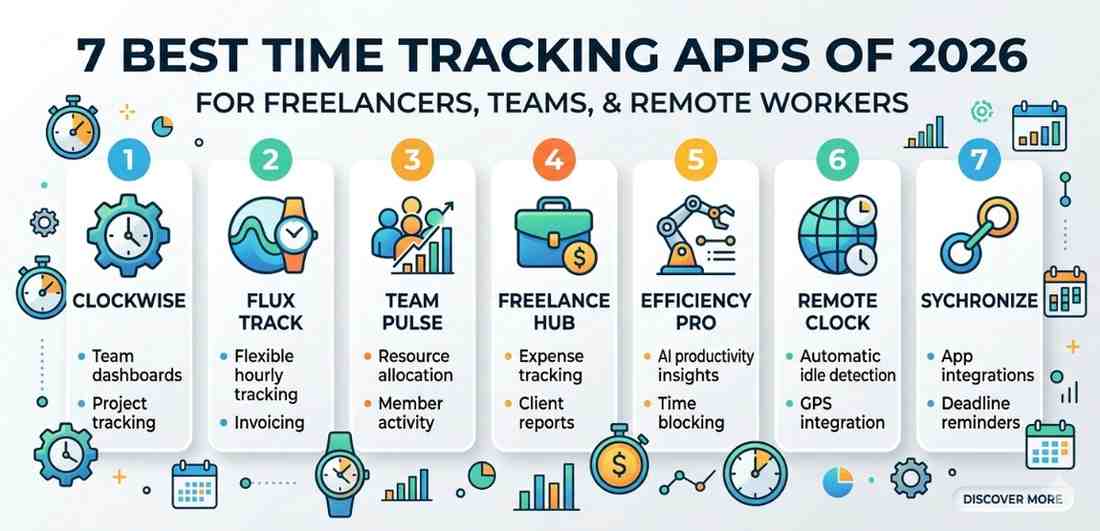
Time is genuinely the one thing you can’t get back. Whether you’re a freelancer billing clients by the hour, a team lead trying to figure out where productivity is slipping, or a remote worker juggling three different time zones — tracking your time properly can change the way you work.
I’ve spent a decent amount of time testing and using various time tracking tools, and honestly, a lot of them feel either too complex or too bare-bones. The ones that actually stick are the ones that fit naturally into how you already work.
Here’s a straightforward breakdown of the 7 best time tracking apps in 2026 that are actually worth your attention.
Tracking Apps Why Time Tracking Still Matters in 2026
You might think time tracking is just for billing purposes. That’s part of it, sure. But it goes a lot deeper than that.
When you track your hours properly, you start noticing patterns. Maybe you’re spending 40% of your week in meetings but only 20% on actual work. Maybe a project you thought took 5 hours actually takes 9. These realizations don’t hit you until you have the data in front of you.
For remote workers especially, time tracking creates a sense of structure that the office used to provide naturally. It also builds trust with clients and employers when there’s a clear record of how time was spent.
Tracking Apps What to Look For Before Choosing One
Before diving into the list, it’s worth knowing what separates a great time tracking app from one that just collects dust on your phone.
Tracking Apps Ease of Starting and Stopping Timers
Sounds obvious, but if an app takes more than two taps to start a timer, most people just won’t bother. The best tools are frictionless.
Tracking Apps Integration With Tools You Already Use
If you’re using Trello, Notion, Slack, or any project management tool, your time tracker should connect with those. Manually copying data between apps defeats the whole purpose.
Tracking Apps Reporting That’s Actually Readable
Raw data means nothing if you can’t interpret it. Good reporting features show you where your hours went in a way that’s visual and easy to share with clients or managers.
1. Toggl Track
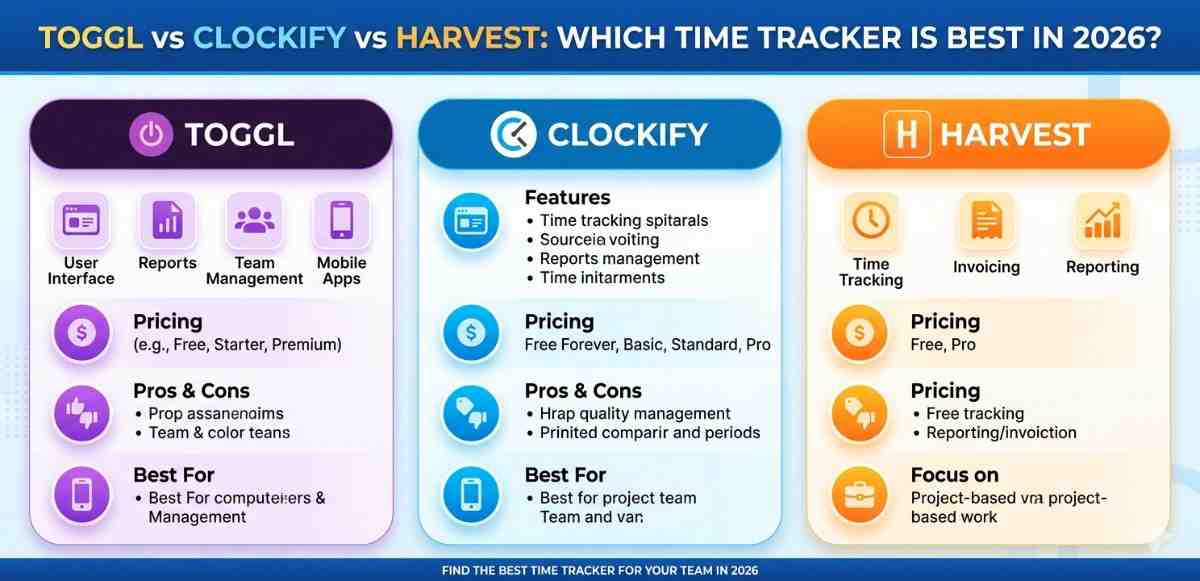
Toggl has been around for a while, but the 2026 version feels more refined than ever. It’s probably the most beginner-friendly option on this list.
You can start a timer in one click, tag it with a project or client, and it syncs across all your devices instantly. The Android app in particular is clean — no clutter, no confusion.
One thing that stands out is the weekly summary report. It gives you a visual breakdown of your hours that you can export as a PDF and send straight to a client. For freelancers, this alone saves a lot of back-and-forth.
There’s a free plan that covers most solo users, and the paid plans are reasonably priced for teams.
2. Clockify
If you’re working with a team and want something completely free without feature restrictions, Clockify is hard to beat. The free version isn’t a stripped-down trial — it actually includes team management, project tracking, and reporting.
The Android app works well on most devices, including budget phones running Android 10 or above. You can track time manually or use the live timer, and managers can review team timesheets from the web dashboard.
For remote teams especially, the ability to see who’s working on what in real-time is genuinely useful without needing a premium subscription.
3. Harvest
Harvest sits in a slightly different category — it’s more of a business tool than a personal tracker. But if you’re a freelancer who invoices clients regularly, it’s worth the monthly cost.
What makes Harvest useful is that it connects time directly to invoices. You track hours on a project, and at the end of the month, it generates a professional invoice based on those logged hours. Less manual work, fewer calculation mistakes.
The app also integrates well with tools like Asana, Basecamp, and QuickBooks. If your work already lives in those platforms, Harvest slots in without disruption.
4. RescueTime
RescueTime works differently from the others. Instead of you manually starting and stopping timers, it runs quietly in the background and automatically logs where your time goes.
It tracks which apps and websites you use, for how long, and then categorizes them as productive or distracting. At the end of the week, you get a report that’s sometimes a little uncomfortable to read — but that’s kind of the point.
For remote workers who struggle with focus or find themselves losing hours to social media or YouTube, RescueTime acts as a sort of honest mirror. The Android version tracks app usage on your phone too, which adds another layer of awareness.
5. Hubstaff
Hubstaff is built with remote teams in mind, specifically for businesses that need accountability features alongside time tracking. It includes GPS tracking, screenshot capture, and activity monitoring.
Now, that might sound a bit intense — and honestly, it’s not for everyone. But for larger remote teams where managers genuinely need visibility into distributed work, it serves a real purpose.
The time tracking itself is solid. Workers can log hours from the Android app, and managers get a dashboard showing hours worked, activity levels, and project progress. There’s also payroll integration, which saves time for HR and finance teams.
6. TimeCamp
TimeCamp is a good middle-ground option — not as basic as Toggl but not as heavy as Hubstaff. It includes automatic time tracking, project budgeting, and billing features.
One feature worth mentioning is the keyword-based automatic tracking. You can set keywords like “client name” or “project code,” and TimeCamp automatically assigns your tracked time to the right project when it detects those keywords in your work activity. It’s a small thing, but it significantly reduces manual effort.
For teams that bill clients by project rather than by hour, the budget tracking feature helps avoid scope creep. You can set a budget for each project and get alerts when you’re approaching the limit.
7. Clockwise
Clockwise is a newer addition to this space and it approaches time tracking from a slightly different angle. Rather than just recording what you did, it also helps you protect time for focused work.
It integrates directly with Google Calendar and automatically reorganizes meetings to create longer blocks of uninterrupted time. For remote workers who feel like their day is chopped into tiny pieces, this is genuinely useful.
The time analytics show you how much of your week was spent in meetings versus deep work, and you can set preferences for when you want to be available versus focused. It’s less about billing and more about working smarter.
Tracking Apps Choosing the Right One for Your Situation
There’s no single best app here. It depends entirely on what you need.
If you’re a freelancer billing clients, Toggl Track or Harvest will probably suit you best. If you’re part of a remote team that needs shared visibility, Clockify or Hubstaff is worth a look. If you’re an individual trying to understand your own habits, RescueTime or Clockwise offers that kind of self-awareness.
Most of these apps have free tiers or trial periods, so testing two or three before committing makes sense. The one that you’ll actually use consistently is always the right choice — regardless of features.
Final Conclusion
Time tracking isn’t just a billing tool anymore. In 2026, it’s become part of how freelancers stay organized, how remote teams stay connected, and how individual workers protect their focus and energy.
The seven apps covered here each serve a different kind of user. Some are built for simplicity, some for team management, and some for deeper self-awareness. What they share is the ability to give you a clearer picture of your working hours — which, once you have it, you realize you probably needed all along.
Start with whatever feels least overwhelming. Even basic tracking is better than none. Over time, the data you collect will tell you things about your work habits that are genuinely hard to see otherwise.