Prakash@gmail.com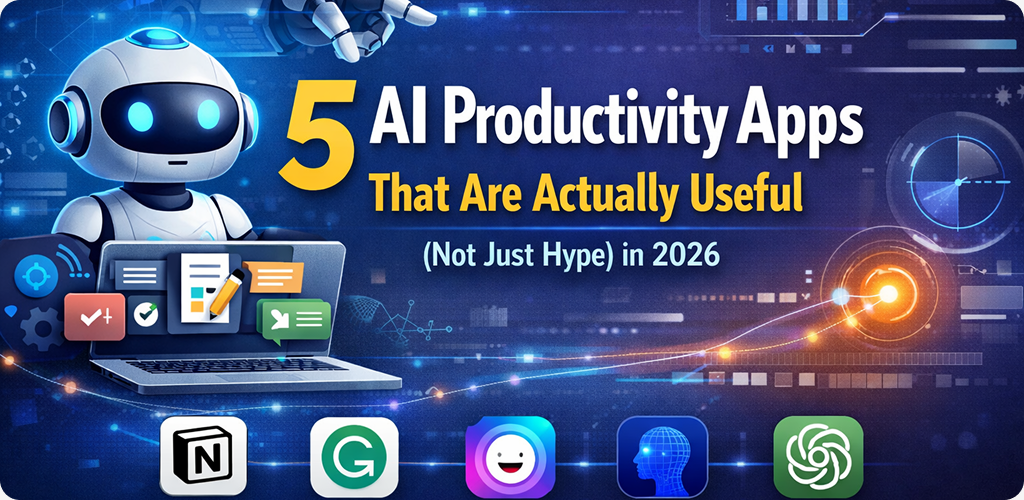
Introduction
Productivity Apps If you’ve spent any time on the Play Store lately, you know the “AI” label is being slapped on everything. Half the time, it’s just a basic search bar or a glorified autocorrect. It’s exhausting to download an app promising to “revolutionize your life” only to find out it’s just a clunky chatbot that can’t even remember your last sentence.
As someone who lives and breathes Android, I’ve spent the last few months weeding through the fluff. In 2026, the novelty of AI has finally worn off, and we are left with tools that actually solve problems. We don’t need more “magic”; we need things that save us ten minutes before a meeting or help us organize a messy brain.
Here are five AI-powered productivity apps that I’ve found to be genuinely useful in my daily routine.
1. Productivity Apps NotebookLM: The Personal Knowledge Researcher
Google’s NotebookLM has quietly become the most reliable tool for anyone who has to deal with long documents. Unlike a standard chatbot that scans the whole internet, NotebookLM focuses only on the sources you give it.
I’ve used this to upload three different 50-page PDFs for a project, and the app lets me ask questions specifically about those files. It doesn’t guess. It gives you citations so you can jump straight to the page where the information lives.
Real-Life Android Example
Imagine you’re a student or a project manager. You can upload all your lecture notes or meeting transcripts from the month. Instead of scrolling for an hour, you just type, “What were the three main concerns mentioned about the budget?” and it pulls the exact bullet points. The “Audio Overview” feature is also great—it turns your dry notes into a podcast-style conversation you can listen to while driving.
2. Productivity Apps Perplexity: A Better Way to Search
Standard search engines have become a bit of a mess with sponsored links and SEO-optimized fluff. Perplexity is what I use when I need a straight answer without the “top 10” listicles. It’s an AI search engine that reads the top results for you and writes a concise summary.
What makes it “useful” rather than “hype” is the transparency. Every sentence has a little number next to it. You click that number, and it takes you to the actual website. It’s perfect for the Android user who wants to get in, get the fact, and get out.
Real-Life Android Example
I recently needed to know if a specific Android system update was causing battery drain on my exact phone model. Instead of digging through three different Reddit threads and two forums, I asked Perplexity. It scanned the latest discussions and gave me a summary of the known bugs and the current workaround in about five seconds.
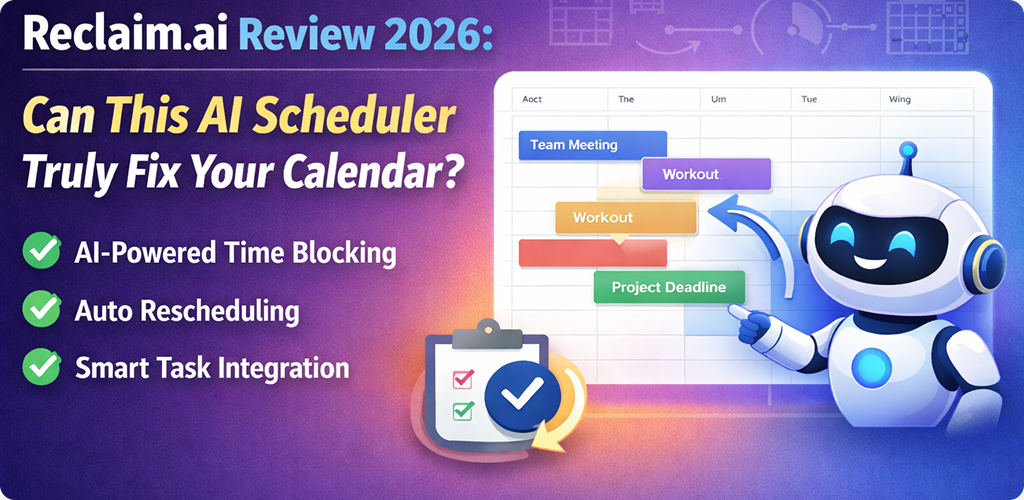
3. Productivity Apps Reclaim.ai: The Calendar That Thinks
We’ve all had those days where our calendar looks like a game of Tetris gone wrong. Reclaim isn’t just a place to log meetings; it’s a smart assistant that manages your time blocks.
If a new meeting request comes in for 2:00 PM, Reclaim doesn’t just overlap it. It looks at your “Deep Work” block or your “Exercise” habit and automatically shifts those tasks to the next available window. It treats your habits and tasks as flexible blocks of time rather than rigid appointments.
Real-Life Android Example
If you have a habit set to “Walk the Dog” every afternoon, but a client schedules an emergency call, the Reclaim app on your phone will ping you with a notification: “Moved ‘Walk the Dog’ to 4:30 PM to accommodate your new meeting.” You don’t have to manually drag boxes around; the app does the mental gymnastics for you.
4. Goblin.tools: Breaking Down Overwhelming Tasks
This is a bit of an “underground” favorite, especially for people who struggle with executive dysfunction or just general burnout. Goblin.tools uses AI to take a single, daunting task and break it down into tiny, manageable steps.
There is no fluff here—just a “Magic To-Do” list. You can even adjust the “spiciness” level (represented by little chili peppers) to decide how detailed you want the breakdown to be.
Real-Life Android Example
Let’s say you need to “Organize the Home Office.” That’s a huge, vague task. You type that into the app, and it generates a list:
- Clear off the desk surface.
- Sort papers into ‘keep’ and ‘shred’.
- Check if all chargers are working. It takes the “where do I even start?” feeling away instantly. It’s a simple, text-based interface that works perfectly on a mobile screen when you’re standing in the middle of a messy room.
5. Productivity Apps Otter.ai: The End of Manual Note-Taking
If you are still typing notes during a voice call or an in-person workshop, you’re working too hard. Otter.ai has been around for a while, but its 2026 updates have made it incredibly sharp at distinguishing between voices and summarizing action items.
The Android app is particularly strong because it can record in the background while you have other apps open. After the recording is done, it doesn’t just give you a transcript; it creates a “Smart Summary” with headers and a list of things you actually promised to do.
Real-Life Android Example
During a quick 10-minute brainstorming session with a coworker, I just hit record on Otter. By the time I walked back to my desk, the app had already emailed me a summary that said: “You agreed to send the logo files by Thursday.” I didn’t have to remember a thing, allowing me to be fully present in the conversation.
Final Conclusion
Productivity in 2026 isn’t about how many AI tools you can juggle. It’s about finding the two or three apps that stop the “leak” in your workflow. Whether it’s organizing your digital life or just getting a clear answer to a search query, the goal is to let the technology handle the busy work so you can focus on the actual work.
None of these apps are “magic,” and they all require you to actually show up and use them. But unlike the flashy demos we see on social media, these five tools have earned a permanent spot on my home screen because they solve real, annoying problems.