Prakash@gmail.com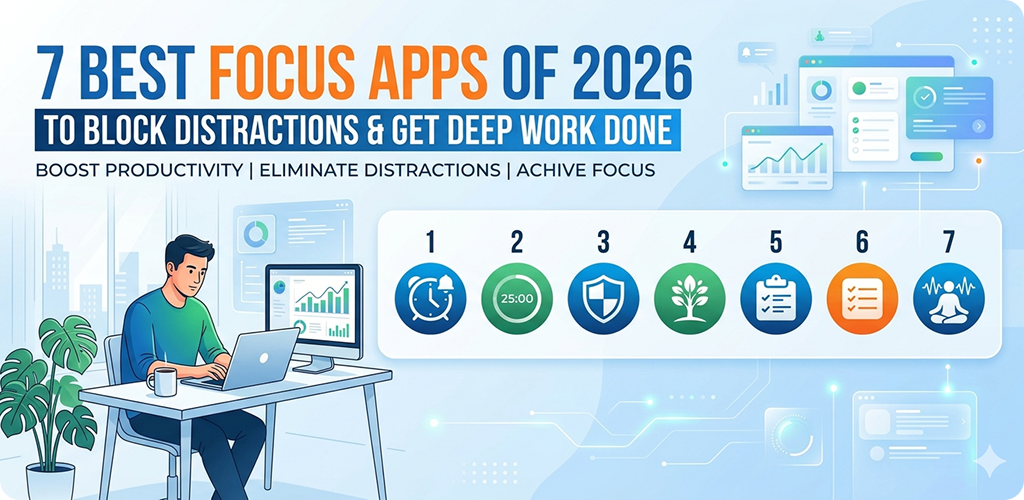
Introduction
Let’s be honest — staying focused in 2026 is genuinely hard. Your Android phone buzzes with notifications every few minutes, social media is engineered to keep you scrolling, and somehow two hours disappear before you’ve finished a single task. Sound familiar?
I’ve been there. And after trying what feels like dozens of apps over the past couple of years, I’ve narrowed down the ones that actually help — not just look pretty on a productivity list.
This article covers seven focus apps that are worth your time in 2026. Some are strict blockers. Some work with timers. Some use psychology-backed methods. But all of them do one thing: help you get real work done.
Why Most People Struggle to Focus (And It’s Not Their Fault)
Before jumping into the apps, it’s worth understanding what’s actually happening. Your phone’s notification system, the autoplay on YouTube, the little red badge on Instagram — these aren’t accidents. They’re carefully designed to pull your attention away from what you’re doing.
The result? What researchers call “attention fragmentation.” Every time you check your phone mid-task, it takes an average of 23 minutes to fully return to deep concentration. That’s not a small thing.
Focus apps try to create a kind of digital boundary — a protected space where distraction becomes harder, and actual work becomes easier.
1. Focus Apps Freedom – Block Anything, Anywhere
Freedom has been around for a while, but in 2026 it’s still one of the most powerful blockers out there. What sets it apart is that it works across devices simultaneously. Block Twitter on your Android, and it gets blocked on your laptop too.
You can create custom blocklists — specific websites, apps, or even categories like “social media” or “news.” There’s also a “Locked Mode” that makes it impossible to turn off a session until the time runs out. Sounds harsh, but sometimes that’s exactly what you need.
Focus Apps Who It Works Best For
Freedom works well for freelancers, students, and remote workers who tend to drift between devices. If you find yourself switching from your phone to your laptop to check the same distractions, Freedom covers both.
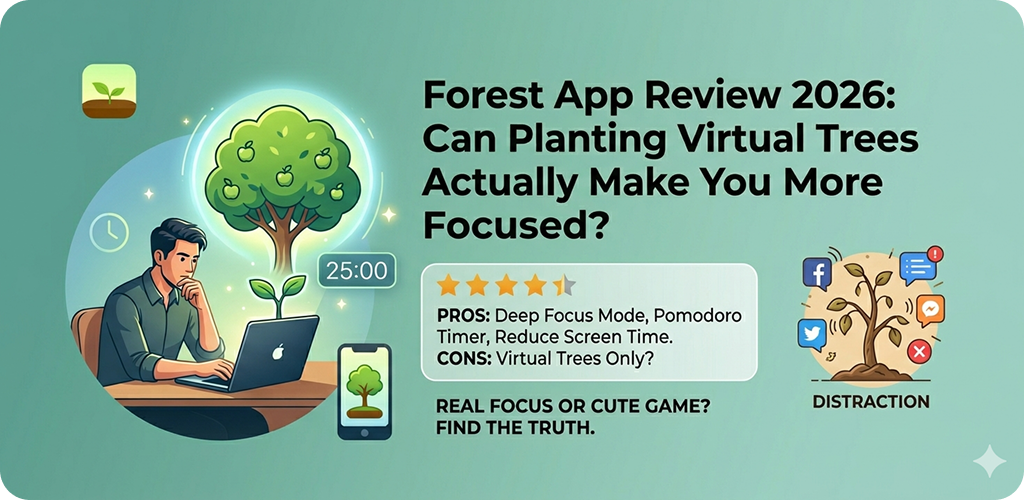
2. Focus Apps Forest – Stay Focused, Plant a Tree
Forest takes a completely different approach. Instead of hard blocking, it uses a visual commitment system. You plant a virtual seed and set a timer. If you leave the app to scroll social media, your tree dies.
It sounds simple — maybe even a little silly — but the visual metaphor does something to the brain. Watching a tree grow while you work creates a small emotional investment. Nobody wants to kill their tree.
What makes Forest interesting in 2026 is its integration with real-world tree planting through a partnership with Trees for the Future. You earn virtual coins by staying focused, and those coins can be redeemed to plant actual trees. It adds a layer of purpose that’s oddly motivating.
3. Focus Apps Cold Turkey Blocker – For Serious Cases
If you’ve tried “gentle” apps and they haven’t worked, Cold Turkey is the next level. It’s a hardcore blocker that can lock you out of specific apps and websites for set periods of time — with no way out until the timer ends.
There’s even a “Frozen Turkey” mode that locks your entire device except for specific whitelisted apps. It’s extreme. But some people genuinely need that level of commitment to break the habit loop.
Cold Turkey is particularly useful during exam season or when a work deadline is approaching and you know your willpower alone won’t cut it.
4. Focus Apps Focusplan – Visual Task + Time Management Combined
Most focus apps either block distractions or help you manage tasks — Focusplan tries to do both. It combines a visual day planner with time blocking, so you can map out your day in chunks and assign specific tasks to each block.
The interface is clean and satisfying to use. You drag tasks onto a timeline and the app gives you a bird’s-eye view of your day. If you’re someone who works better when you can see the structure of your time, this one’s worth trying.
It also syncs with Google Calendar, which makes it practical rather than just aesthetic.
5. Brain.fm – Focus Music That Actually Works
This one isn’t a blocker in the traditional sense. Brain.fm generates AI-driven music specifically designed to induce focus states. Not background lo-fi beats — actual audio engineered to affect neural oscillation patterns.
That might sound like marketing fluff, but there’s actual neuroscience research behind it, and the user experience backs it up. Many people (myself included) find it easier to stay on task when Brain.fm is running compared to regular music or silence.
There’s a 30-day free trial, after which it becomes a subscription. For deep work sessions — writing, coding, reading dense material — it’s genuinely useful.
A Quick Note on Pairing Apps
You’ll often get better results by combining a blocker app with something like Brain.fm. For example, run Freedom to block social media, then use Brain.fm for audio support. The two together create a much stronger focus environment than either alone.
If you’re looking for more ways to structure your time, check out resources on time blocking techniques for Android users — pairing a method with an app makes a real difference.
6. Digital Wellbeing (Built Into Android)
Sometimes the best tool is the one already on your phone. Android’s native Digital Wellbeing feature has improved significantly. In 2026, it includes app timers, Focus Mode, and Bedtime Mode.
Focus Mode lets you pause distracting apps with one tap. You select which apps to pause, and they become temporarily unavailable — greyed out, no notifications, no access. You can schedule it to activate automatically at certain times, like during work hours or study sessions.
It’s not as powerful as third-party blockers, but it’s free, already installed, and works surprisingly well for moderate use cases. If you’re just starting out with digital focus tools, this is a good place to begin before investing in paid apps.
7. Reclaim.ai – Smart Scheduling for Focused Work
Reclaim.ai approaches focus from a scheduling angle. It connects to your calendar and automatically finds time for deep work, habits, and breaks — working around your meetings and commitments.
What’s smart about it is the automation. You don’t have to manually block out “focus time” every week. Reclaim does it for you, and it adjusts dynamically if something changes in your schedule.
In 2026, it’s particularly useful for people in team environments where calendars fill up fast and finding uninterrupted work time feels impossible. It integrates with Google Calendar and Slack, making it practical for professional settings.
For Android users who want a deeper look at managing notifications alongside scheduling, understanding Android’s notification channel system can also help reduce interruptions at the system level.
How to Choose the Right Focus App for You
Not every app works for every person. Here’s a simple way to think about it:
- If you’re easily tempted by social media → Freedom or Cold Turkey
- If you respond well to visual motivation → Forest
- If you need structure and planning → Focusplan or Reclaim.ai
- If audio helps you concentrate → Brain.fm
- If you want something free and built-in → Android’s Digital Wellbeing
Try one for a week before jumping to the next. Most focus struggles come from inconsistency, not from picking the “wrong” app.
Setting Up Your Focus Environment on Android
Even the best app won’t help much if your phone environment works against you. A few things that genuinely help:
Turn on Do Not Disturb during your focus sessions. Move distracting apps off your home screen — even that small friction reduces impulsive checking. Set your screen to grayscale during work hours (available in Accessibility settings on most Android phones). These small tweaks compound over time.
If you want to go further, learning how Android’s battery and background app settings affect notification behavior can also give you more control over what pulls your attention.
Final Conclusion
Distraction in 2026 is a real, engineered problem — and fighting it requires deliberate tools. The seven apps covered here each tackle the problem from a different angle, whether that’s hard blocking, visual motivation, smart scheduling, or audio support.
There’s no single perfect app. What works depends on your work style, your weak spots, and how much structure you need. But the good news is that there are genuinely useful options available, many of them free or affordable.
Start with one. Use it consistently. And give yourself a few weeks before judging whether it’s working — focus is a skill, and like any skill, it takes a bit of time to build.