Prakash@gmail.com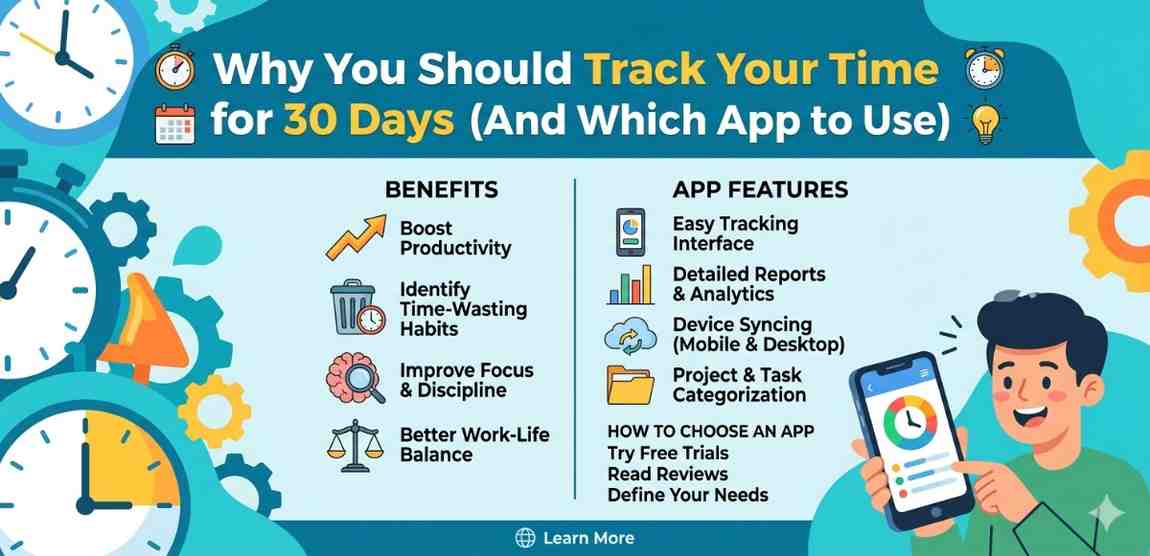
introduction
Most people think they know where their time goes. They’d say something like — “I spend about an hour on social media” or “I usually get through emails in 30 minutes.” But when they actually start tracking, the numbers rarely match what they imagined.
That’s not a personal flaw. It’s just how the human brain works. We remember the productive stretches and forget the little gaps. A 10-minute scroll here, a 20-minute coffee break there — it adds up fast, and we genuinely don’t notice it in real time.
That’s exactly why tracking your time for 30 days can be a real turning point. Not as a punishment, not as a strict productivity exercise — just as honest data collection about your own life.
What Does “Your Time Tracking” Actually Mean?
Time tracking is simply recording what you do and how long it takes. That’s it. You could do this with a notebook. But in 2024, your Android phone makes it much easier — and more useful.
The idea isn’t to micromanage every minute. It’s more like keeping a food diary. When you write down everything you eat, you notice patterns you’d never see otherwise. Time tracking works the same way.
Once you can actually see your time laid out in categories — work, breaks, phone use, meetings, learning — you start making better decisions without even trying that hard.
Why 30 Days Specifically?
One week isn’t enough. The first week of tracking, most people subconsciously behave better because they know they’re being watched — even by themselves. It’s sometimes called the Hawthorne effect.
By week two, the novelty wears off and your real patterns start showing. By the end of week three, you have enough data to spot genuine trends — not just one-off bad days.
The fourth week is where it gets interesting. You can look back at three weeks of data and start adjusting. Maybe Tuesday afternoons are always unproductive for you. Maybe you work really well for the first two hours after waking up but lose focus sharply after lunch. You wouldn’t know this without the data.
Thirty days gives you enough variety — busy days, slow days, weekends, unexpected interruptions — to build a realistic picture of how you actually live and work.
The Surprising Things People Discover
Meetings take more your time than you think
If you’re working a job that involves regular calls or meetings, tracking often reveals something uncomfortable: the meetings themselves aren’t the whole problem. It’s the preparation time before, and the recovery your time after — checking notes, catching up on what got delayed — that quietly eats up your day.
Phone usage isn’t always social media
People assume their biggest time sink is Instagram or YouTube. Sometimes it is. But tracking often reveals surprising culprits — like group chats that pull you back every 15 minutes, or news apps that you open and close constantly throughout the day without really registering it.
Deep work is rarer than expected
Most people who track discover they get less than two hours of focused, uninterrupted work done per day — even on days that felt productive. That’s not a character flaw. Modern work environments aren’t designed for long focus sessions. But seeing this clearly makes it possible to actually change it.
How to Start: A Simple Method for Beginners
You don’t need a complicated system. Here’s a straightforward approach that works for most people starting out.
Pick broad categories first
Don’t try to track everything in fine detail right away. Start with 5-6 broad categories like: Work, Learning, Communication, Personal Tasks, Screen your Time, and Rest. You can break these down more later if you want, but broad categories are easier to maintain.
Log in real your time, not from memory
The biggest mistake beginners make is trying to fill in their log at the end of the day. Memory is unreliable. Logging as you switch tasks — even roughly — gives you far more accurate data. A good tracking app on your phone makes this easy because it’s always in your pocket.
Don’t aim for perfection
Missed a few hours? That’s fine. Log what you can. A 70% accurate log is infinitely more useful than no log at all. The goal is insight, not a perfect record.
Which App Should You Use on Android?
There are quite a few options, and the right one depends on how detailed you want to go. Here are the most practical choices for different types of users.
Toggl Track (Best for most people)
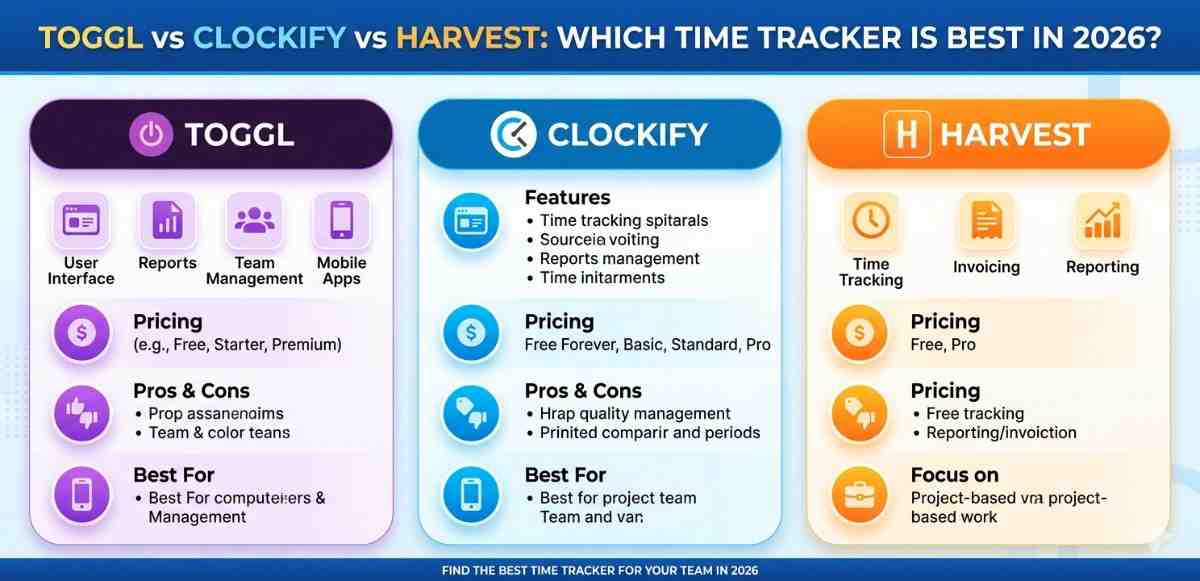
Toggl Track is the most widely recommended time tracking app for a reason — it’s genuinely easy to use. You start a timer, name the task, and that’s it. The free version covers everything a casual tracker needs.
The Android app has a clean interface, and the reporting section gives you weekly and monthly breakdowns in simple visual charts. If you’re doing this 30-day experiment for the first time, Toggl is where to start. You can learn more about managing screen time and digital habits in our guide on Android battery and screen usage tips.
Clockify (Best free option with team features)
Clockify is completely free — not freemium, actually free — and it works well for personal use even though it’s built with teams in mind. The Android app is solid, and the web dashboard shows very detailed reports.
One thing Clockify does well is the calendar view. You can see your entire week laid out visually, which makes it much easier to spot patterns at a glance. If Toggl ever feels limiting, Clockify is a good step up.
ATracker (Best for habit-style tracking)
ATracker takes a slightly different approach. Instead of typing task names, you set up tiles for your regular activities — things like “Reading,” “Exercise,” “Deep Work” — and just tap one to start timing. It’s faster for people who mostly do the same types of tasks every day.
The visual reports in ATracker are particularly good. You get pie charts and bar graphs that are easy to read even if you’re not used to analyzing data.
Built-in Digital Wellbeing (For screen time specifically)
If your main concern is tracking phone and app usage rather than general tasks, Android’s built-in Digital Wellbeing tool is worth mentioning. You’ll find it in Settings on most Android phones running Android 9 or later.
It won’t help you track work tasks or meetings, but it gives you an accurate picture of which apps are consuming your attention. For many people, just spending one week looking at these numbers is genuinely eye-opening. Check out our overview on how Android’s Digital Wellbeing settings work if you want to explore this further.
What to Do With the Data After 30 Days
This part matters as much as the tracking itself. Collecting data and not looking at it properly is a wasted opportunity.
Find your two or three biggest patterns
Don’t try to fix everything at once. Look at your 30-day data and identify two or three clear patterns. Maybe you spend 90 minutes every morning on low-value email tasks. Maybe your evenings get swallowed by passive phone browsing. Picking specific patterns gives you something concrete to work with.
Look at your best days
Most people focus on what went wrong. But your most productive, satisfying days are equally informative. What was different about those days? Did you start earlier? Were there fewer interruptions? Did you work in longer blocks? Patterns in your best days are a blueprint worth copying.
Set one small intention for the next month
Based on what you found, set one small behavioral intention — not a huge goal, just a small shift. Something like “I’ll handle email only twice a day” or “I’ll protect the first hour of my morning for focused work.” Small changes made with real data behind them tend to stick better than vague resolutions.
For a deeper look at building better phone habits, our guide on reducing unnecessary Android notifications has practical steps that pair well with what you’ll discover during your tracking period.
Final Conclusion
Tracking your time for 30 days isn’t about becoming some hyper-optimized productivity machine. It’s really just about honesty — getting a clear, data-backed picture of how your hours are actually spent, versus how you imagine they’re spent.
Most people find this exercise genuinely surprising. Not always uncomfortable — sometimes it’s reassuring to discover you’re doing better than you thought. But almost always, there’s something worth adjusting once you can see the numbers clearly.
Android makes this easier than ever. Whether you use Toggl for its simplicity, Clockify for its depth, or just your phone’s built-in Digital Wellbeing screen, the tool matters far less than the habit of actually looking. Start simple, stay consistent for 30 days, and let the data tell you something your memory never could.