Prakash@gmail.com
Introduction
Time tracking sounds simple until you actually try to do it consistently. You open a spreadsheet, fill in a few rows, and then forget entirely for three days. I’ve been there. Most people have.
That’s why apps like Toggl Track exist — they make the process less painful. But we’re in 2026 now, and the market for time tracking tools has grown quite a bit. So the real question is: does Toggl Track still hold up for solo users, freelancers, and individuals trying to understand where their time actually goes?
Let me break it down honestly.
What Toggl Track Actually Is (Without the Marketing Fluff)
Toggl Track is a time tracking application available on Android, iOS, desktop, and as a browser extension. It was built for people who bill clients by the hour, manage their own productivity, or just want to understand their working habits better.
It’s not a project management tool. It won’t replace Notion or Trello. It does one thing — tracks time — and it tries to do that really well.
The app has been around since 2006, which in the tech world is practically ancient. It’s survived long enough to earn some trust, but that doesn’t automatically mean it’s still the best option in 2026.
First Impressions: The Interface in 2026
When you first open Toggl Track on Android, the layout feels refreshingly uncluttered. There’s a big timer button at the top, a list of recent entries below it, and a bottom navigation bar with Reports, Projects, and Settings.
Nothing feels hidden or confusing. For someone just starting out with time tracking, that matters a lot.
The 2025–2026 UI refresh made things a bit smoother. Colors are cleaner, fonts are easier to read, and the overall experience feels more polished than earlier versions. On a mid-range Android phone, the app loads quickly and doesn’t drain battery noticeably.
One thing I noticed — if you use Dark Mode on your Android phone, Toggl Track adapts well. It doesn’t look broken or washed out like some apps do in dark themes.
Core Features That Still Make Sense
The One-Tap Timer
This is the heart of the app. You tap the big red button, type what you’re working on, and the clock starts. That’s it.
You can add a project, tag, or client to the entry, but you don’t have to. For someone who wants to start tracking without setup friction, this is genuinely useful. Most productivity apps force you to configure too much before getting started.
Projects and Clients
If you’re a freelancer handling multiple clients, the Projects feature becomes important. You can color-code each project, assign them to clients, and later filter your reports by those categories.
On Android, creating a new project takes about four taps. It’s not quite instant, but it’s manageable.
Reports
The Reports section is where Toggl Track earns respect. Even on the free plan, you get a visual breakdown of how your time was distributed across projects, days, and weeks.
The charts are clean — not overly complex, not oversimplified. You can see a weekly bar chart, a project-wise pie chart, and a detailed list of all entries. For individuals tracking personal productivity, this is more than enough.
If you want deeper reporting like billable rates or client summaries, that’s locked behind the paid plan. We’ll get to that.
The Android App: Specific Experience
Using Toggl Track on Android day-to-day is mostly smooth. The widget feature is one of the most practical things about it — you can add a small toggle button to your home screen and start/stop the timer without even opening the app.
On Android phones running newer versions (Android 12 and above), the widget integrates cleanly with the home screen customization system.
The notification system is also thoughtful. When a timer is running, there’s a persistent notification in the status bar. You can stop or continue the timer directly from the notification panel. This is small, but it makes the tracking feel less interruptive.
One occasional complaint: the sync between the Android app and the web version sometimes takes a few seconds longer than expected. It’s not a dealbreaker, but if you’re switching between devices frequently, you might notice a small lag.
Free Plan vs Paid Plan in 2026
This is where it gets a bit complicated.
The free plan in 2026 allows unlimited time tracking, up to 5 projects, basic reports, and the ability to use it across multiple devices. For a solo individual who just wants to track hours — that’s honestly enough.
The Starter plan (paid) adds features like billable rates, time rounding, saved reports, and project estimates. If you’re a freelancer invoicing clients, the billable rate feature alone might justify the cost.
The Premium plan goes further with team management, forecasting, and advanced analytics. For an individual user, this tier is almost certainly unnecessary.
So for 2026, the honest answer is: if you’re tracking your own time for personal awareness or basic freelance logging, the free plan works well. Only upgrade if billing and invoicing are part of your workflow.
What’s Still Not Perfect
No app review is complete without the rough edges.
The idle detection feature — which asks “were you actually working during that time?” — sometimes triggers when you’re doing research with long pauses. It’s configurable, but the default settings need adjustment for most users.
Offline usage on Android has improved, but entries created without internet access can occasionally fail to sync correctly when connectivity returns. It’s rare, but it happens.
The search function for past entries is basic. If you’ve been using Toggl Track for six months and need to find a specific entry from three weeks ago, the search doesn’t offer filters like date range or project. You end up scrolling manually.
These aren’t app-breaking issues, but they’re worth knowing before you commit.
How It Compares to Alternatives in 2026
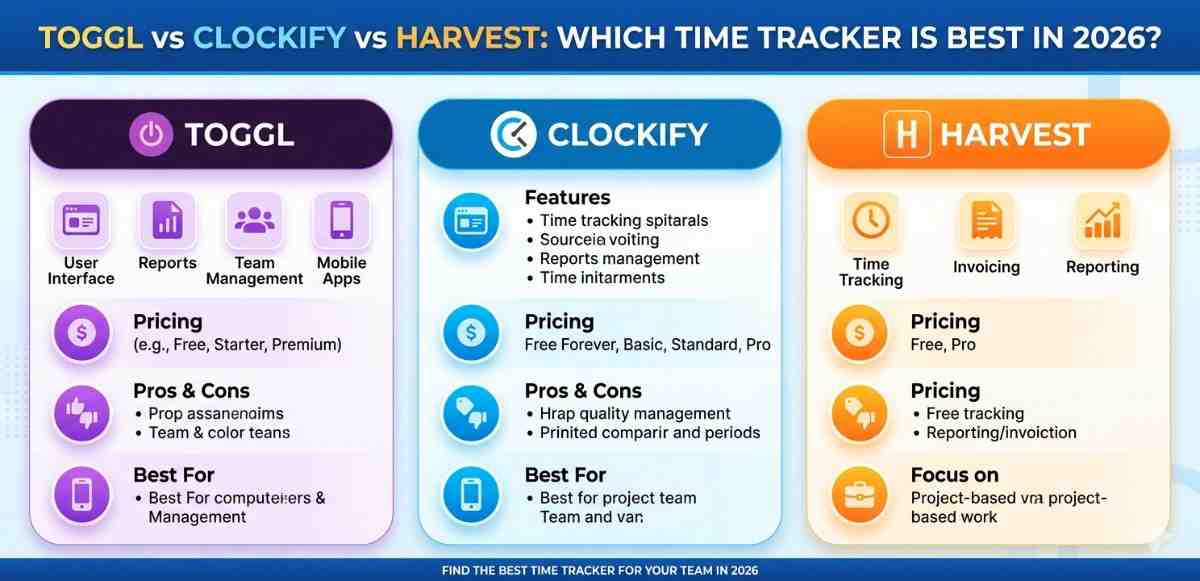
There are solid alternatives now. Clockify offers a very generous free plan with more features than Toggl’s free tier. Timery (for iOS) is beloved for its design. Harvest is strong for team billing.
But here’s the thing — most of these alternatives have more features because they’re also targeting teams. For an individual who wants simplicity, Toggl Track’s focused design is still an advantage.
The Android app for Clockify, for instance, feels busier. More options means more decisions, which means more friction. Toggl keeps it leaner.
If you’re looking to understand how time tracking fits into broader Android productivity habits, exploring how Android productivity apps work together can give you a useful overview of how tools like Toggl integrate with your daily device usage.
Who Should Still Use Toggl Track in 2026
Solo freelancers billing 1–3 clients: yes, absolutely. The free plan covers this.
Students or individuals tracking study/work habits: yes. It’s one of the easiest tools to start with.
Someone who wants basic accountability: yes. Just logging your hours visually can change behavior.
Small teams needing client invoicing and shared dashboards: you might want to evaluate Clockify or Harvest more carefully before committing.
For Android users specifically, the combination of a clean home screen widget, a usable notification control, and a solid free tier makes Toggl Track hard to dismiss.
Final Conclusion
After spending time with Toggl Track across multiple devices and use cases, the answer to the headline question is: yes, mostly.
It’s not perfect, and 2026 has brought stronger competition. But for an individual user — whether you’re a freelancer, a student, or someone just trying to understand how your day actually unfolds — Toggl Track still delivers a clean, frustration-free experience.
The free plan is genuinely usable. The Android app is reliable. And the reports give you enough insight to make the habit worthwhile.
If simple, honest time tracking is what you need, Toggl Track remains one of the most sensible choices available right now