Prakash@gmail.com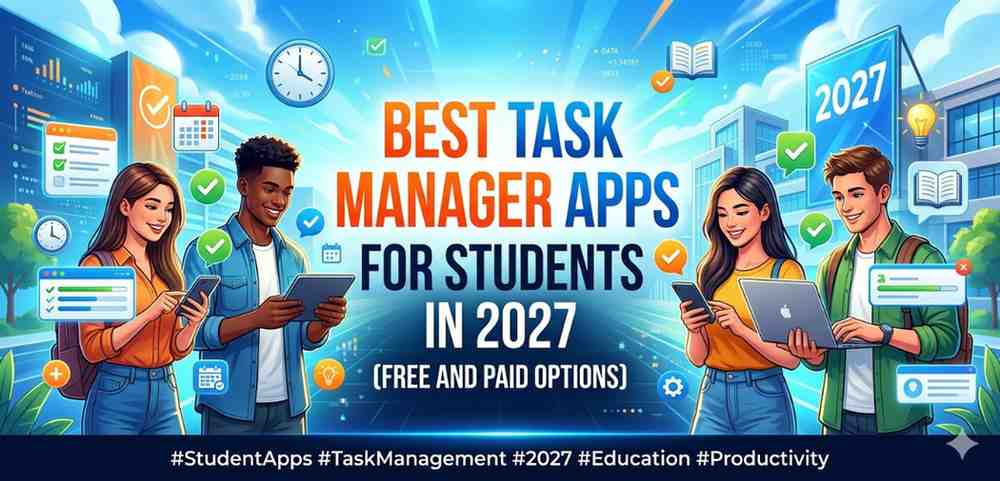
Managing schoolwork has never been easy. Between assignments, project deadlines, exam schedules, and personal commitments, things can get overwhelming pretty fast. A good task manager app can genuinely change how you handle your day. Not just by listing things to do, but by helping you actually think through your week.
I’ve spent time testing quite a few of these apps, both on Android and across platforms, and I want to share what actually works for students specifically. Not just what looks good on paper.
Why Students Need a Dedicated Task Manager Apps
A general to-do list scrawled in a notebook is fine. But when you’re juggling five subjects, group projects, lab submissions, and maybe a part-time job — you need something smarter.
Task manager apps designed with productivity in mind do a few things differently. They let you set priorities, break big tasks into smaller steps, and send you reminders that are actually useful. Some even help you visualize your week so nothing sneaks up on you the day before.
The biggest mistake students make is using their phone’s basic reminder app for everything. It works for simple stuff, but it doesn’t scale when life gets complicated.
What to Look for in a Student Task Manager Apps
Before jumping into the list, it helps to know what actually matters.
Simplicity of Interface
If an app takes ten minutes to figure out, you’ll stop using it. The best apps for students are clean and fast to navigate.
Cross-Device Sync
Most students work across their Android phone, a laptop, and sometimes a tablet. Your app should sync without you having to think about it.
Free Tier That Actually Works
Many productivity apps lock basic features behind a paywall. For students, the free version should still be genuinely useful, not just a teaser.
Offline Access
Campus Wi-Fi isn’t always reliable. Your task list should be accessible even when you’re not connected.
Best Free Task Manager Apps for Students in 2027
1. Todoist (Free Plan)
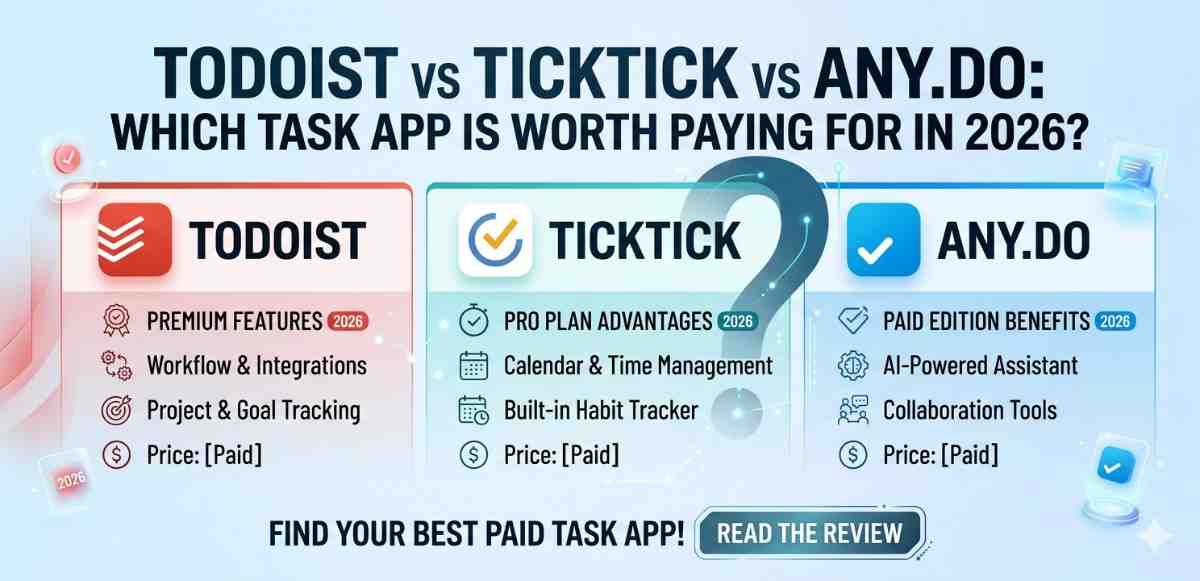
Todoist has been around for a while, and the reason it’s still one of the most recommended apps is because it just works. The interface is clean, adding a task takes seconds, and you can organize by project — which is perfect for separating college subjects.
The free plan gives you up to five active projects and basic task scheduling. For most students, that’s genuinely enough to get started. You can also set recurring tasks, which is handy for weekly assignments or regular study sessions.
One thing I noticed: the natural language input is surprisingly good. Type “submit math report every Friday” and it sets it up correctly without extra configuration.
2. Microsoft To Do (Completely Free)
If you already have a Microsoft account — which most students do through their institution — Microsoft To Do is a zero-cost option that syncs seamlessly with your Outlook calendar and Teams.
It’s not flashy, but it covers the basics well. You get lists, subtasks, due dates, and daily planning with the “My Day” feature. The My Day section is actually underrated. Every morning it prompts you to choose what you want to focus on, which helps with decision fatigue.
It works great on Android and the desktop version is just as clean.
3. TickTick (Free Plan)
TickTick sits somewhere between a simple to-do app and a full productivity suite. The free version gives you calendar view, habit tracking, and a Pomodoro timer built right in.
For students who struggle with focus, having a timer built into the same app where your tasks live is genuinely useful. You don’t have to switch between three different apps to stay on track.
The free plan does have limits — like restricted calendar views and fewer theme options — but the core functionality is solid.
4. Google Tasks (Free)
Simple, syncs with Google Calendar, integrates into Gmail. If your college uses Google Workspace, this is almost a no-brainer as a starting point.
It’s not feature-heavy, but for students who just need a clean list that connects to their existing Google ecosystem, it gets the job done without friction.
Best Paid Task Manager Apps Worth Considering
1. Notion (Student Discount Available)
Notion isn’t just a task manager — it’s more of an all-in-one workspace. But students who invest the time to set it up properly often find it replaces four or five other apps.
You can manage tasks, take notes, build a study schedule, track project progress, and keep reference material all in one place. The learning curve is real, but Notion offers a free plan for personal use, and there’s an education plan that gives students access to more features at a discounted rate.
If you’re someone who likes structure and customization, Notion rewards that kind of effort.
2. Todoist Pro
The upgrade from Todoist’s free plan to Pro is actually worth it for students with complex schedules. You get unlimited projects, reminders, labels, and filters — plus activity history so you can look back and see where your time actually went.
At around a few dollars per month, it’s affordable. Some institutions also offer discounts through student software programs, so worth checking if yours does.
3. Things 3 (iOS/macOS Only — Worth Mentioning)
If you’re in the Apple ecosystem, Things 3 is frequently cited as one of the most well-designed task apps available. It’s a one-time purchase rather than a subscription, and the interface is remarkably thoughtful.
It’s not Android-compatible, but if you’re an iPhone user reading this alongside Android comparisons, it deserves a mention honestly.
Task Manager Apps How to Actually Build a Task Management Habit
Having the app is only half the problem. The other half is using it consistently.
Start Small
Don’t try to migrate your entire academic life to a new app in one afternoon. Start with one subject or one type of task. Get used to opening the app daily before expanding.
Review Every Sunday
Set aside ten minutes at the end of each week to look at what’s coming up. Add deadlines you know about. Adjust anything that shifted. This weekly review habit is what separates people who use their task app from people who just have one.
Use Labels or Tags Wisely
Apps like Todoist and TickTick let you tag tasks by context — “college,” “personal,” “urgent.” Don’t overdo it. Three to four tags is usually enough. Too many labels creates the same chaos you were trying to escape.
Connect It to Your Calendar
If your app can sync with Google Calendar or Apple Calendar, enable that. Seeing tasks alongside actual time blocks helps you understand what a day is really going to look like, not just what you’re hoping to get done.
For a deeper look at how Android productivity tools work together, exploring how Android’s notification system affects focus can give you useful context.
Task Manager Apps Free vs Paid: Which One Should You Choose?
Honestly? Start free. Almost every app on this list offers a free version that’s enough to figure out whether the app fits your style.
Pay only if you’ve used the free version consistently for at least a month and you’re genuinely running into limitations. Upgrading before that usually just means paying for features you don’t actually use.
Students who jump to paid plans immediately often end up not using the app enough to justify the cost.
For those exploring Android-specific productivity, understanding Android’s built-in Digital Wellbeing tools can also complement your task management setup nicely.
Final Conclusion
Picking the right task manager app comes down to how you actually work, not what sounds most impressive. For most students, a free app like Microsoft To Do, Todoist, or TickTick will cover everything they need without spending a rupee or a dollar.
What matters more than the app is the habit of actually using it. A simple app used every day will always beat a powerful app opened once a week. Start light, stay consistent, and adjust as your workload grows.
By 2027, these tools have gotten smarter — better sync, smarter reminders, and cleaner interfaces — but the fundamentals haven’t changed. Know what you need to do, write it down somewhere reliable, and check it regularly.